
Professional Certificate Program in AutoCAD
Master AutoCAD with Industry Experts – Caddesk Dilsukhnagar
Online & Classroom AutoCAD Course
- ISO Certification
- 100% Interview Guarantee
- Real-Time Industry Projects
- Learn from Industry Expert Trainers
- Flexible Online & Classroom Batches
- ⭐⭐⭐⭐⭐ 4.8 Ratings
Batch Starts From
10-11-2025
Course Duration
40 Days | 2 Hours Session
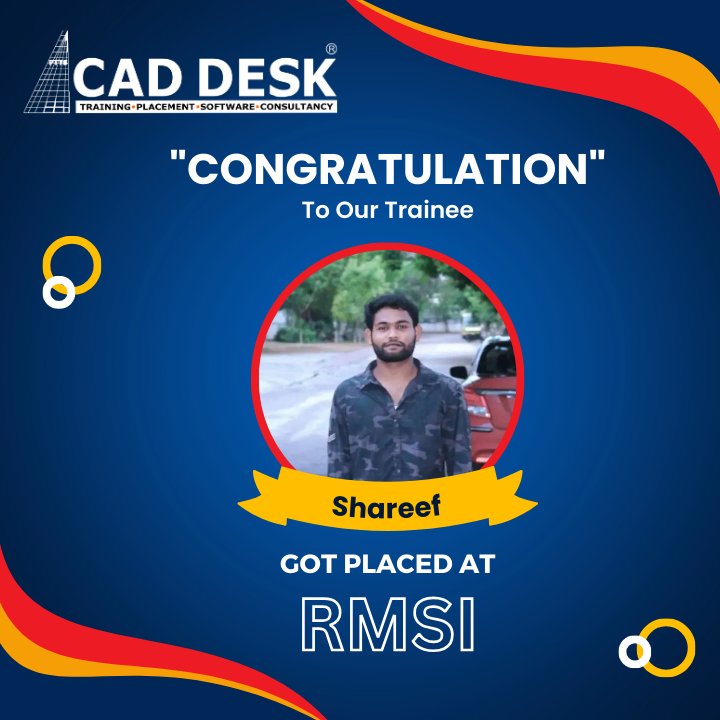
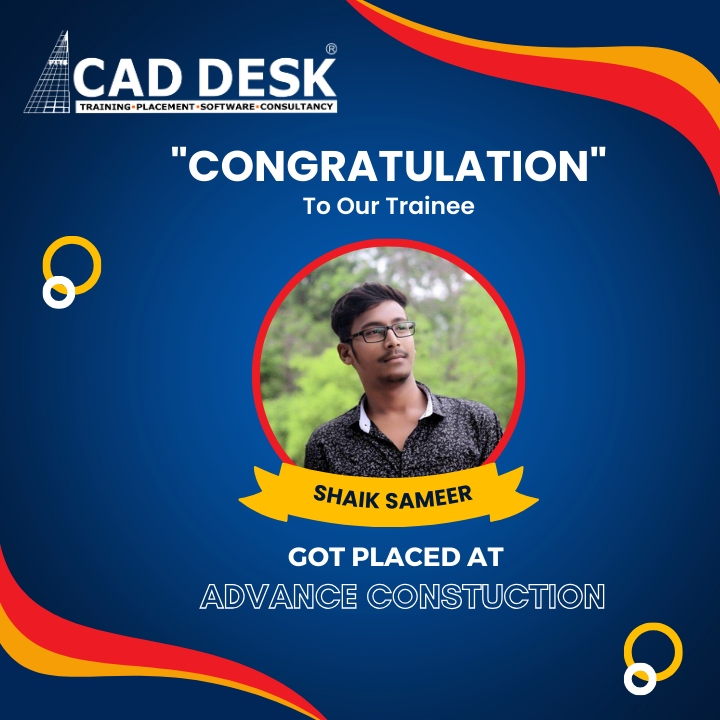
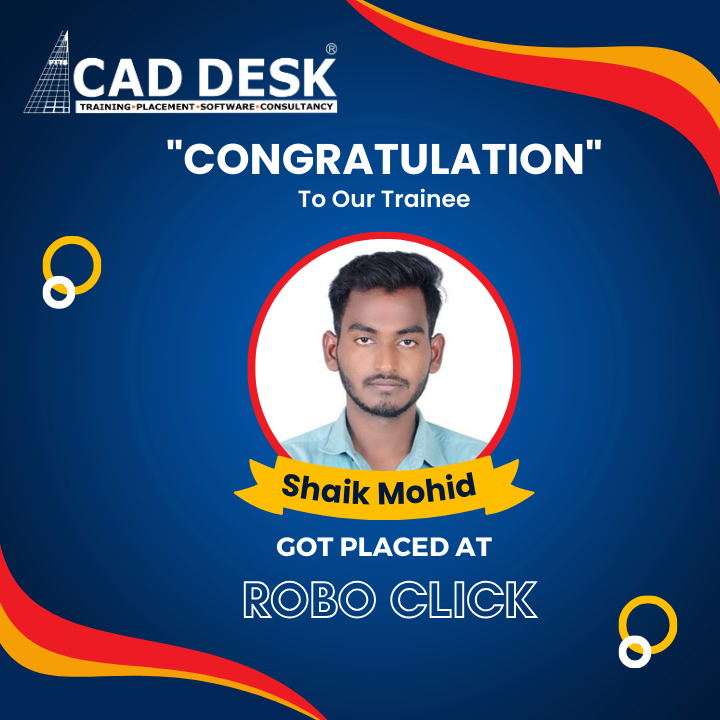
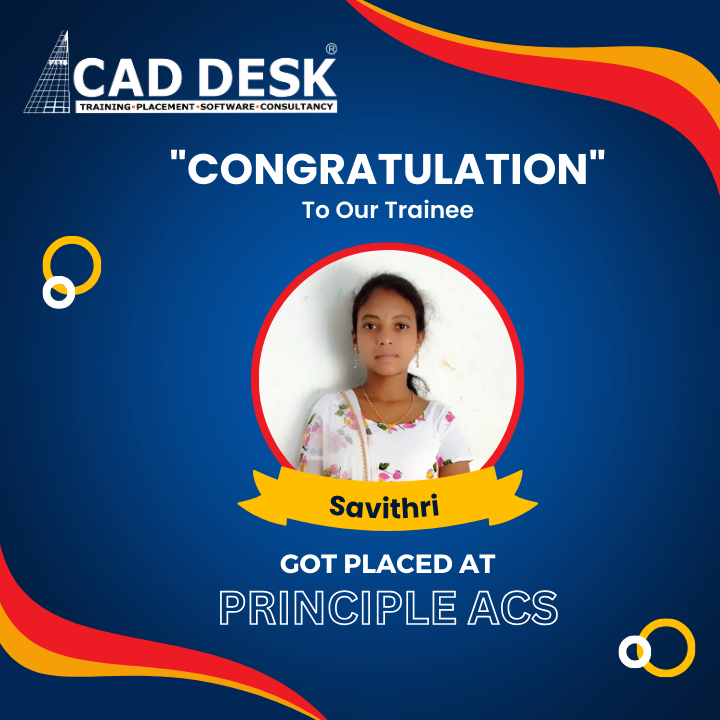
100% Placements
Interview Guarantee
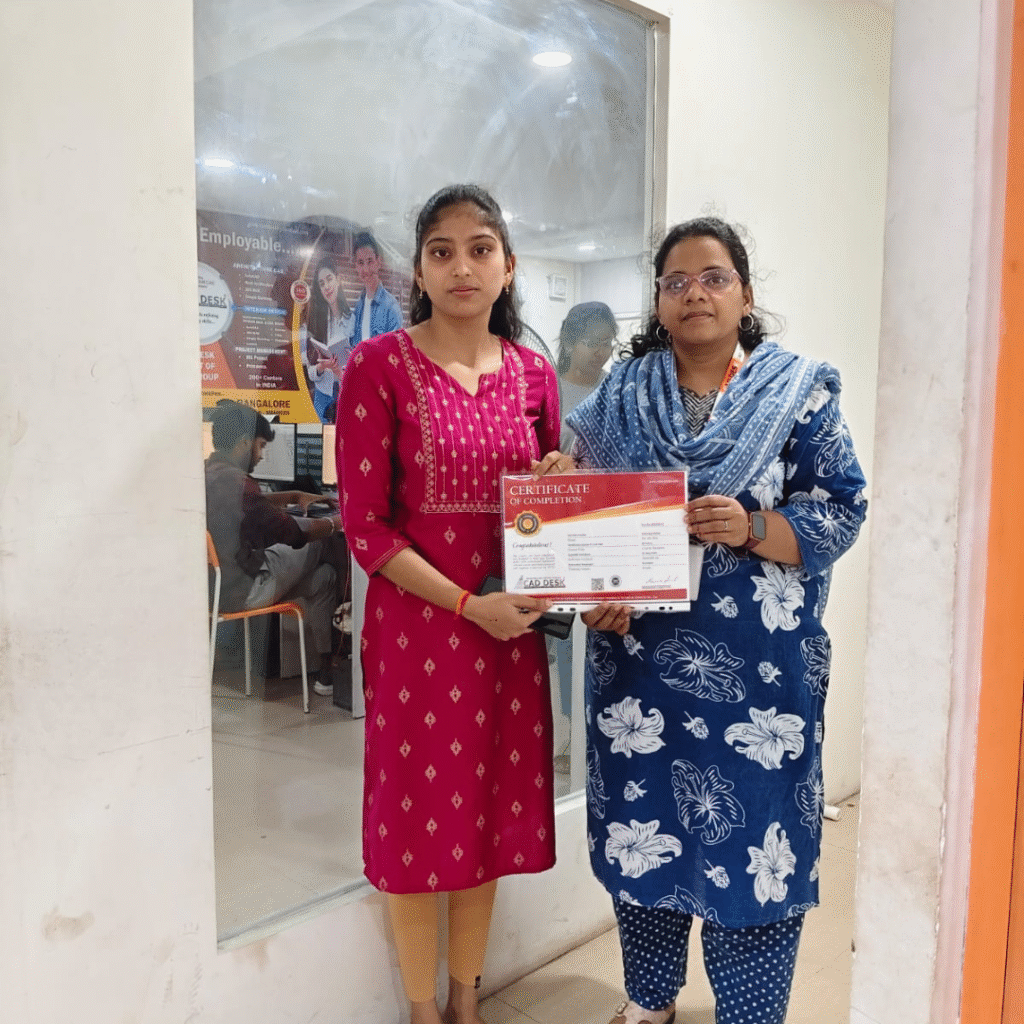
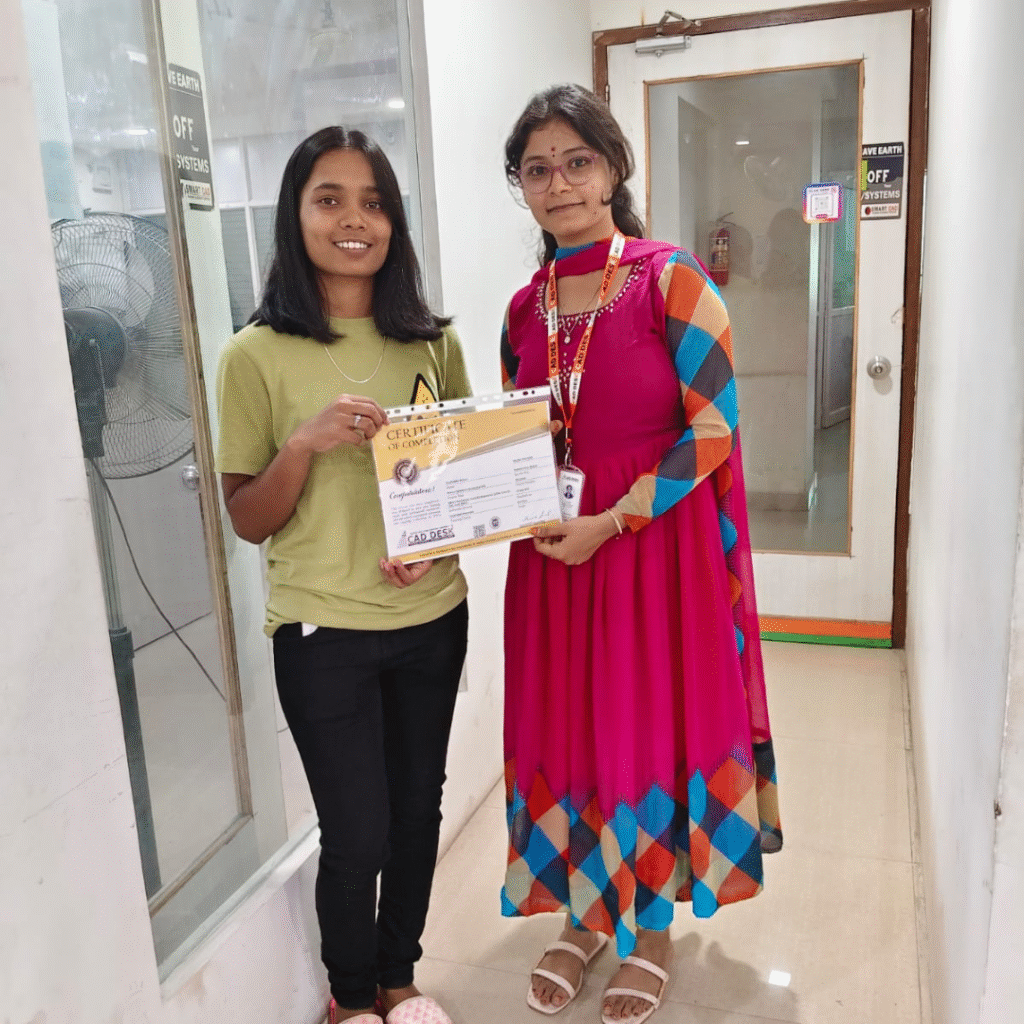
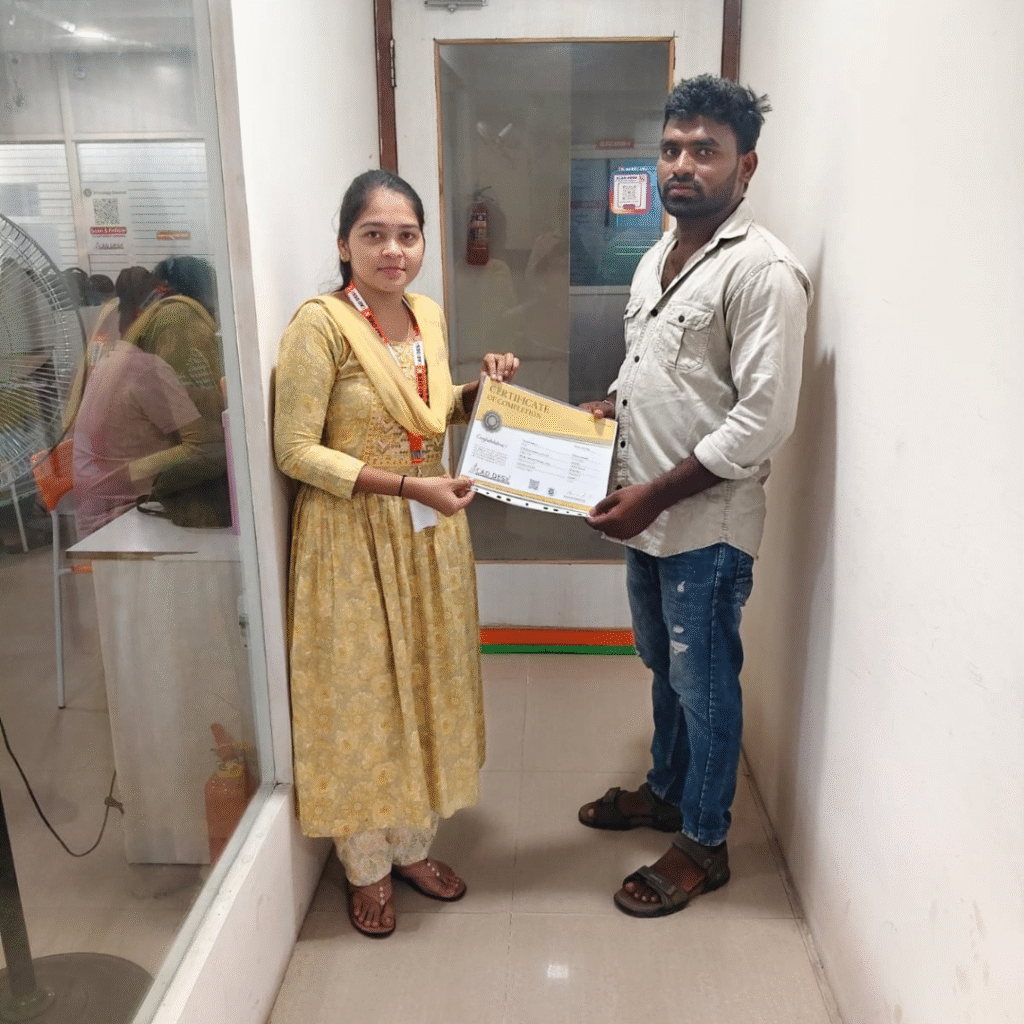
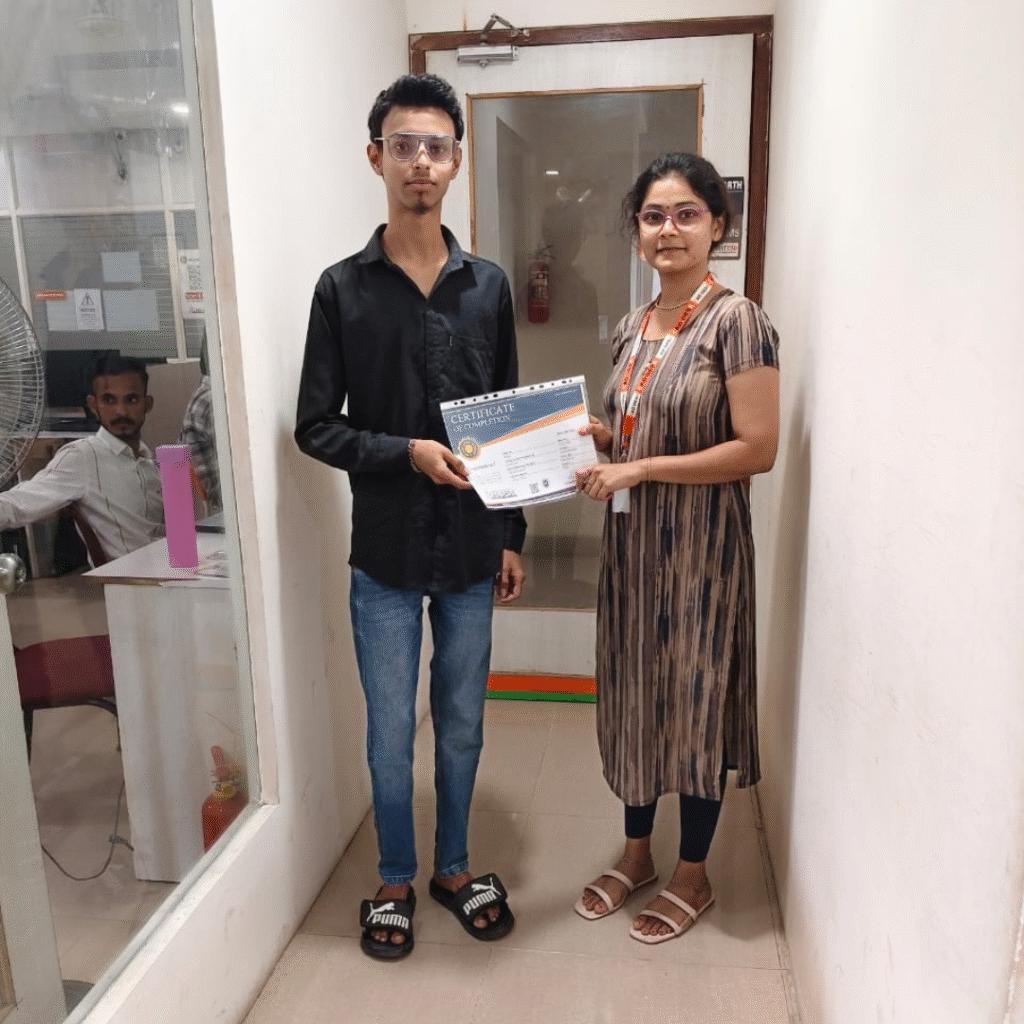
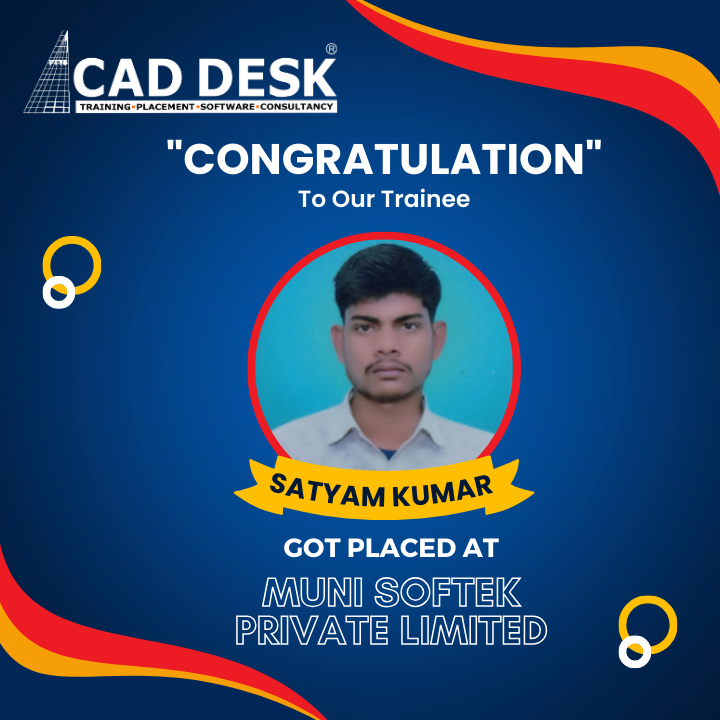
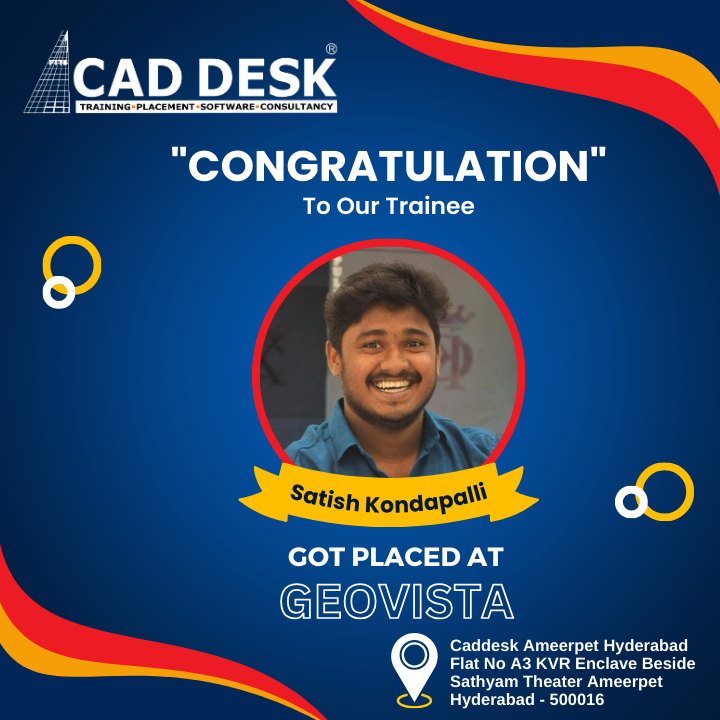
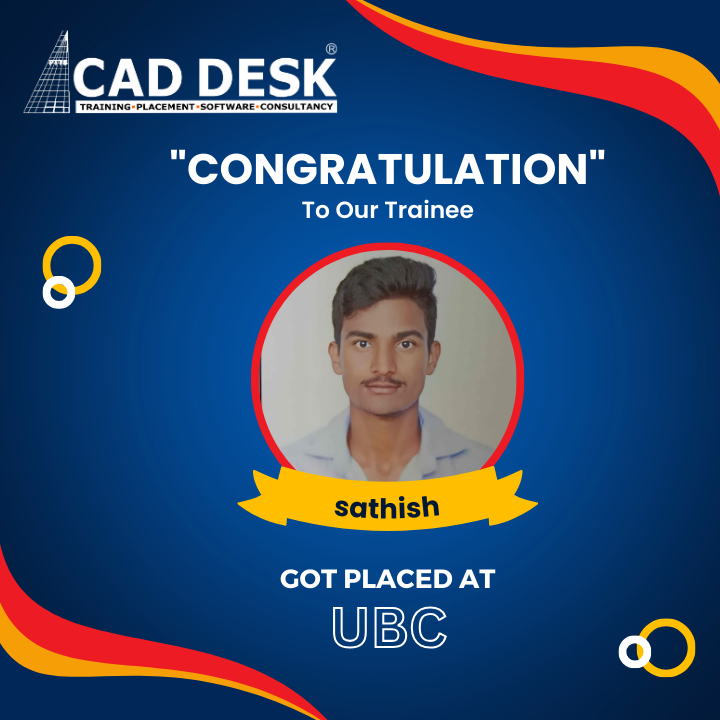
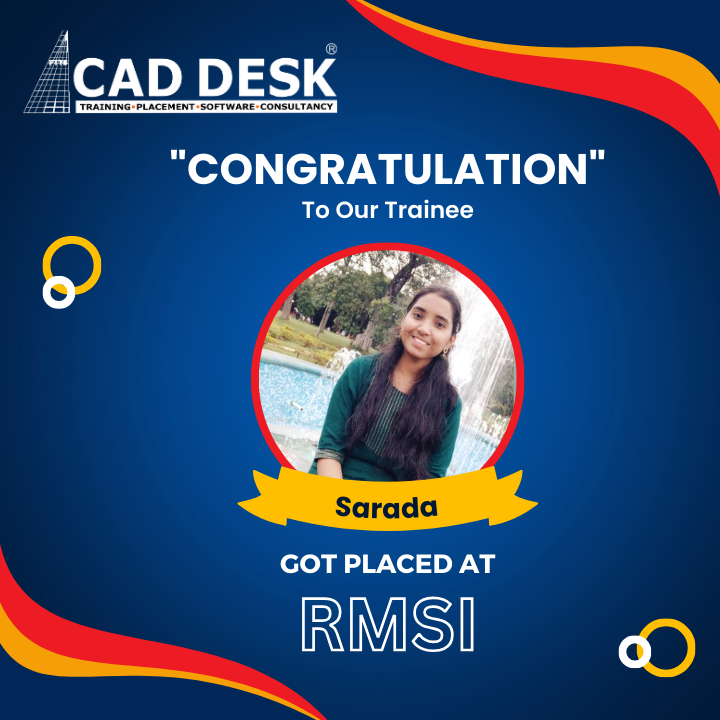
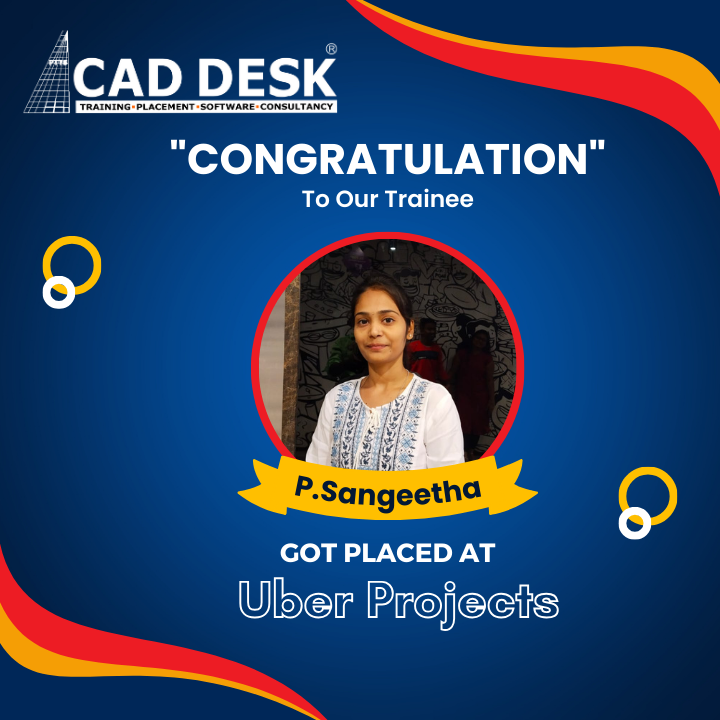
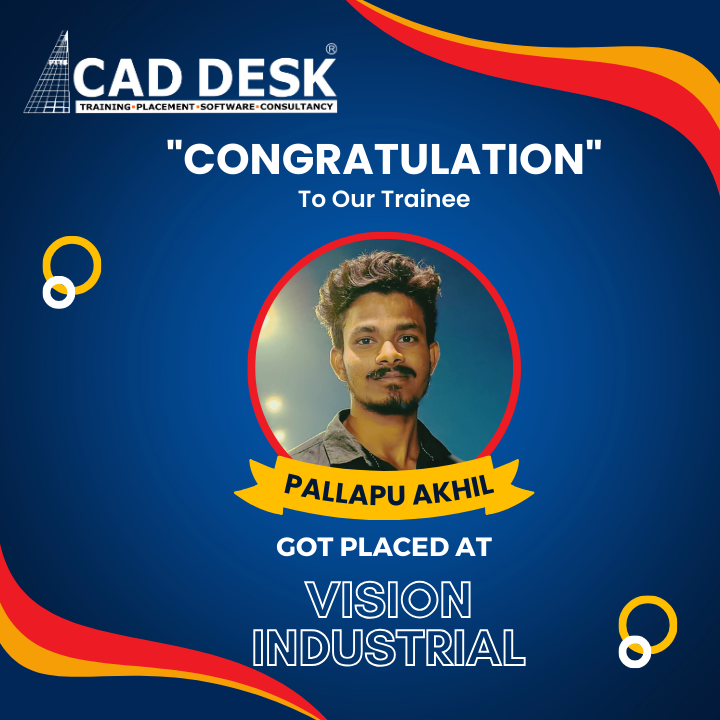
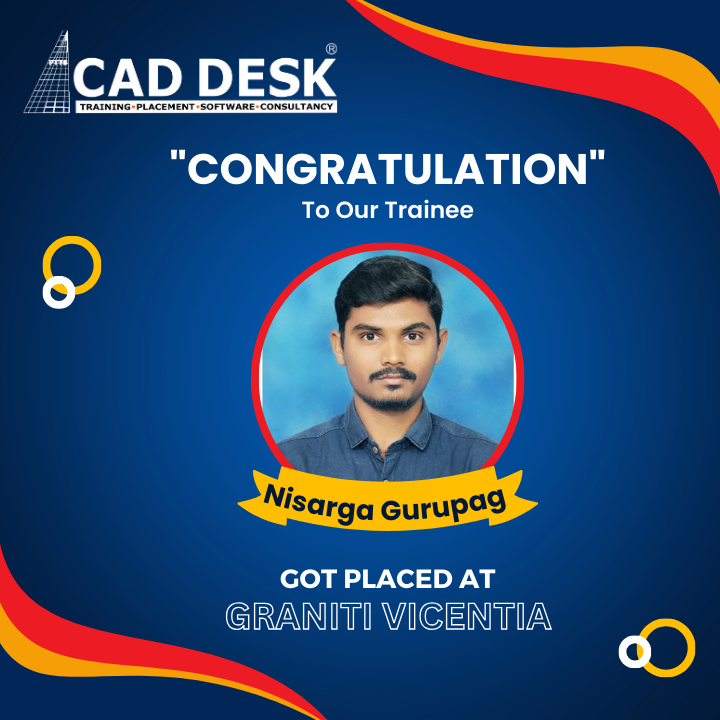
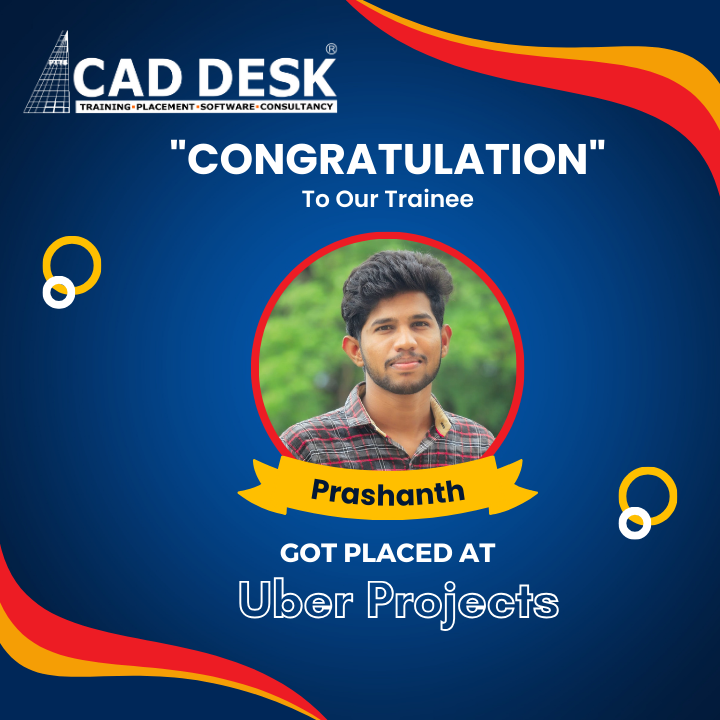
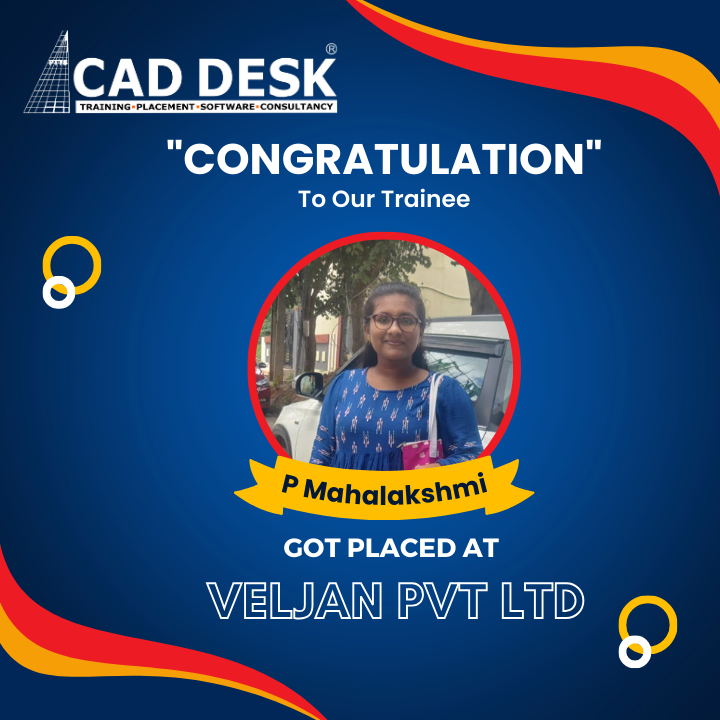
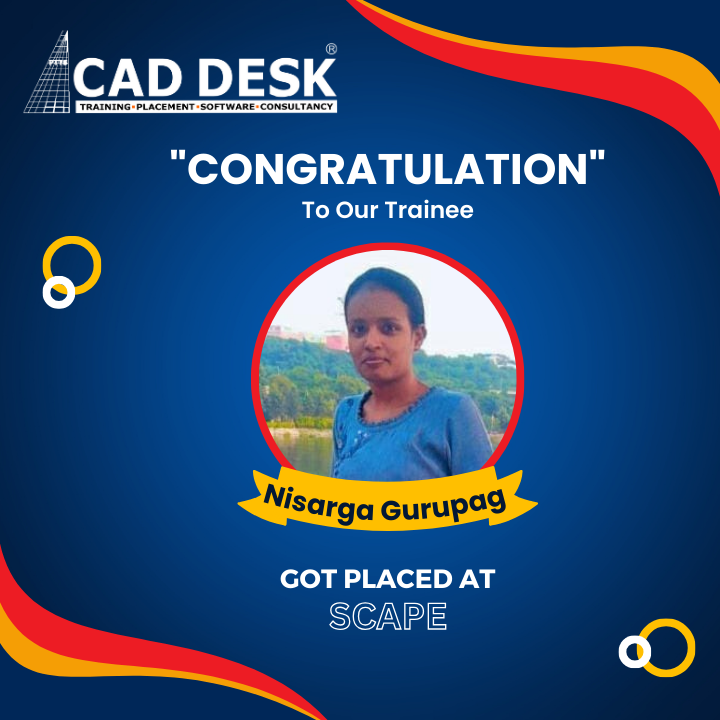
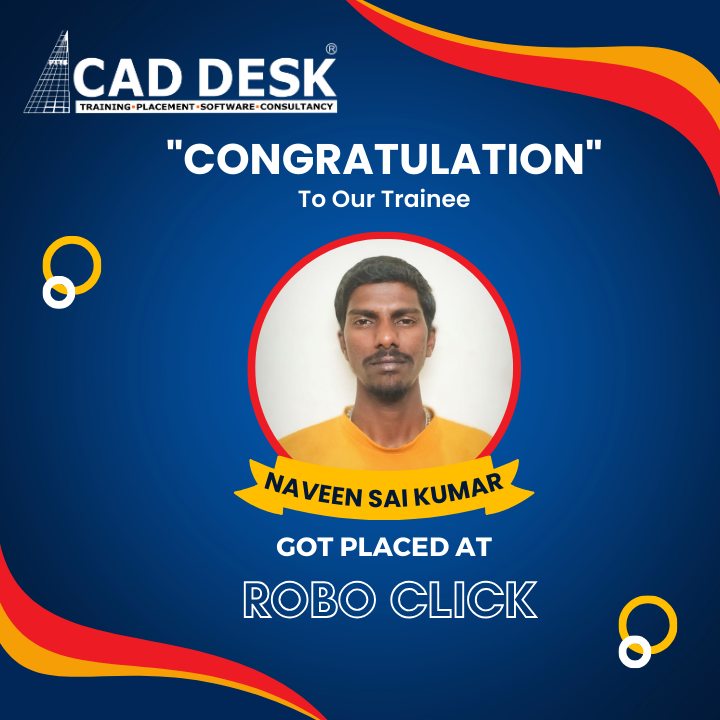
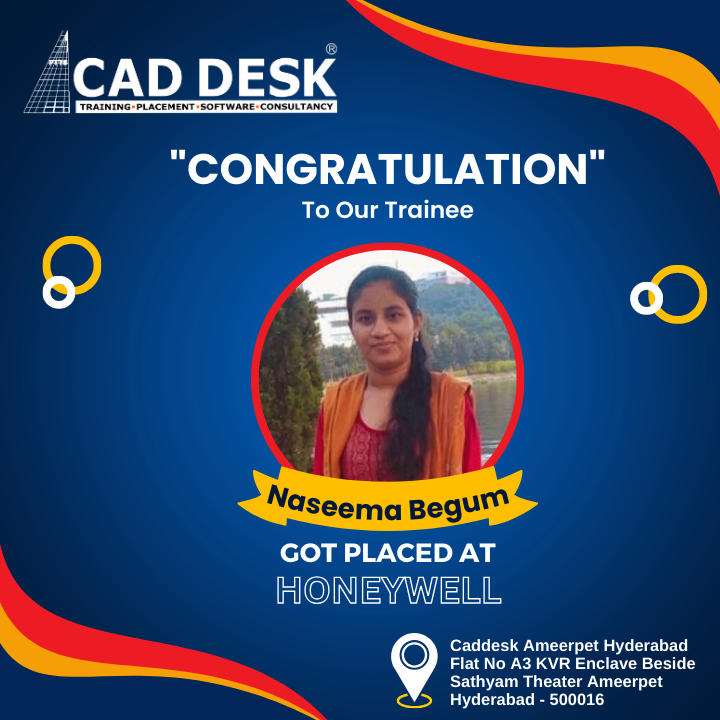
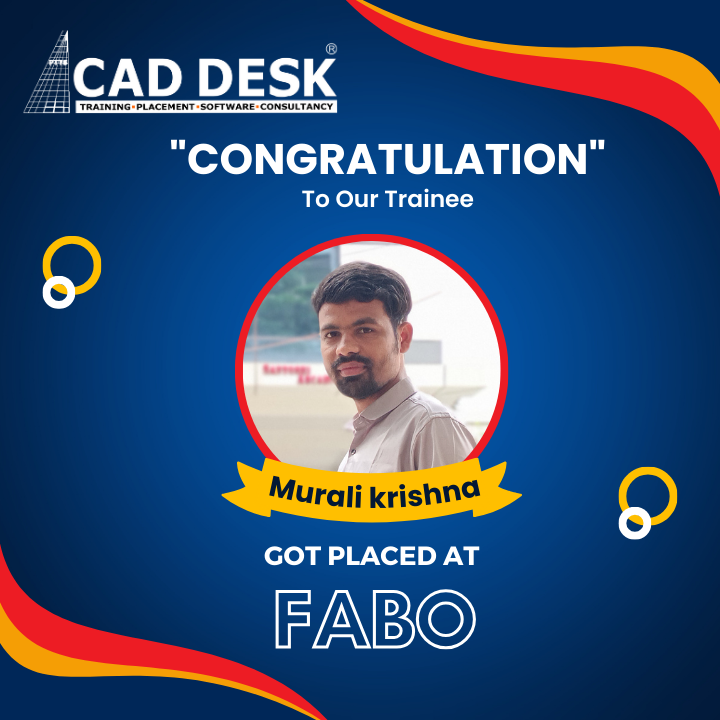
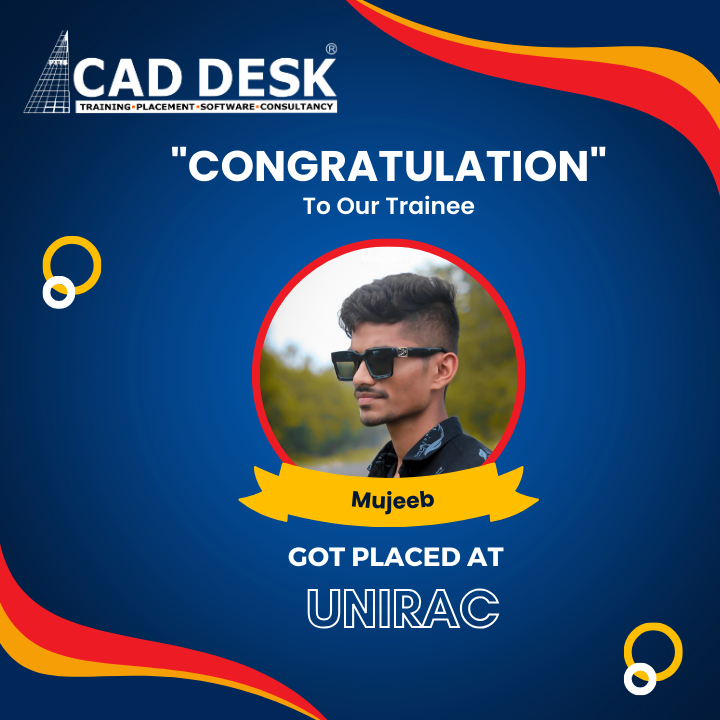
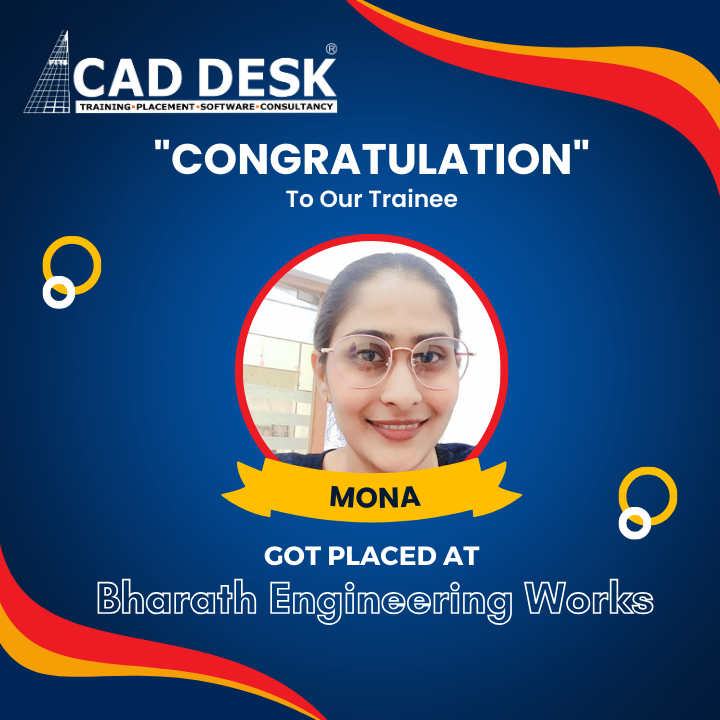
Snapshots of Success – Caddesk Dilsukhnagar
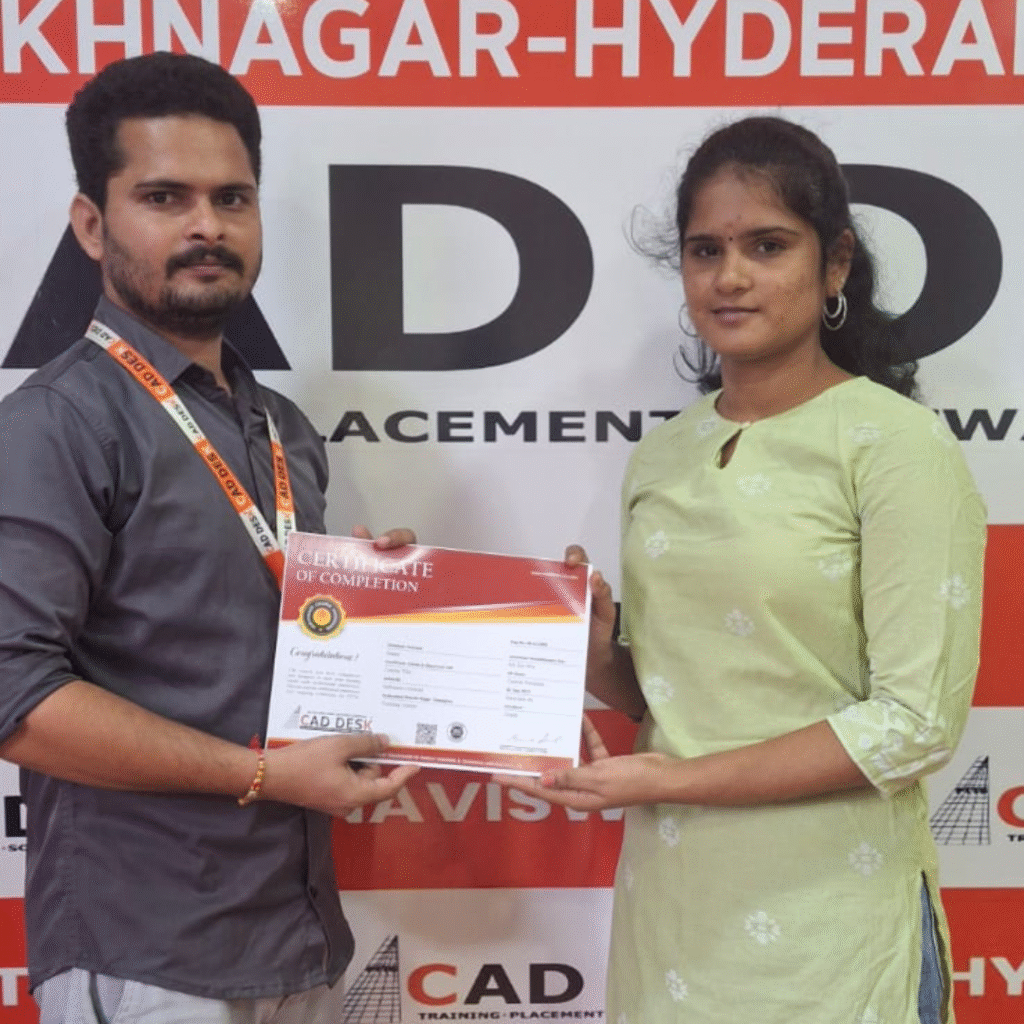
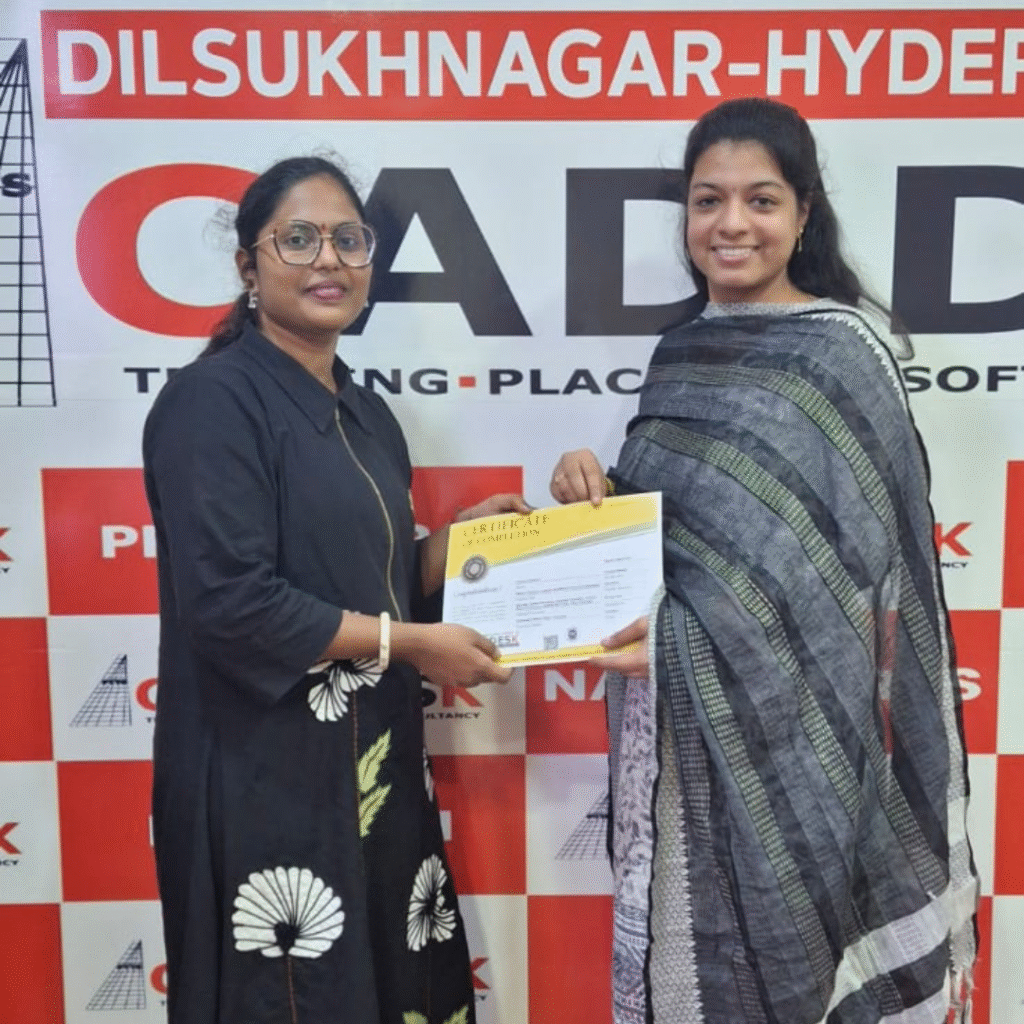
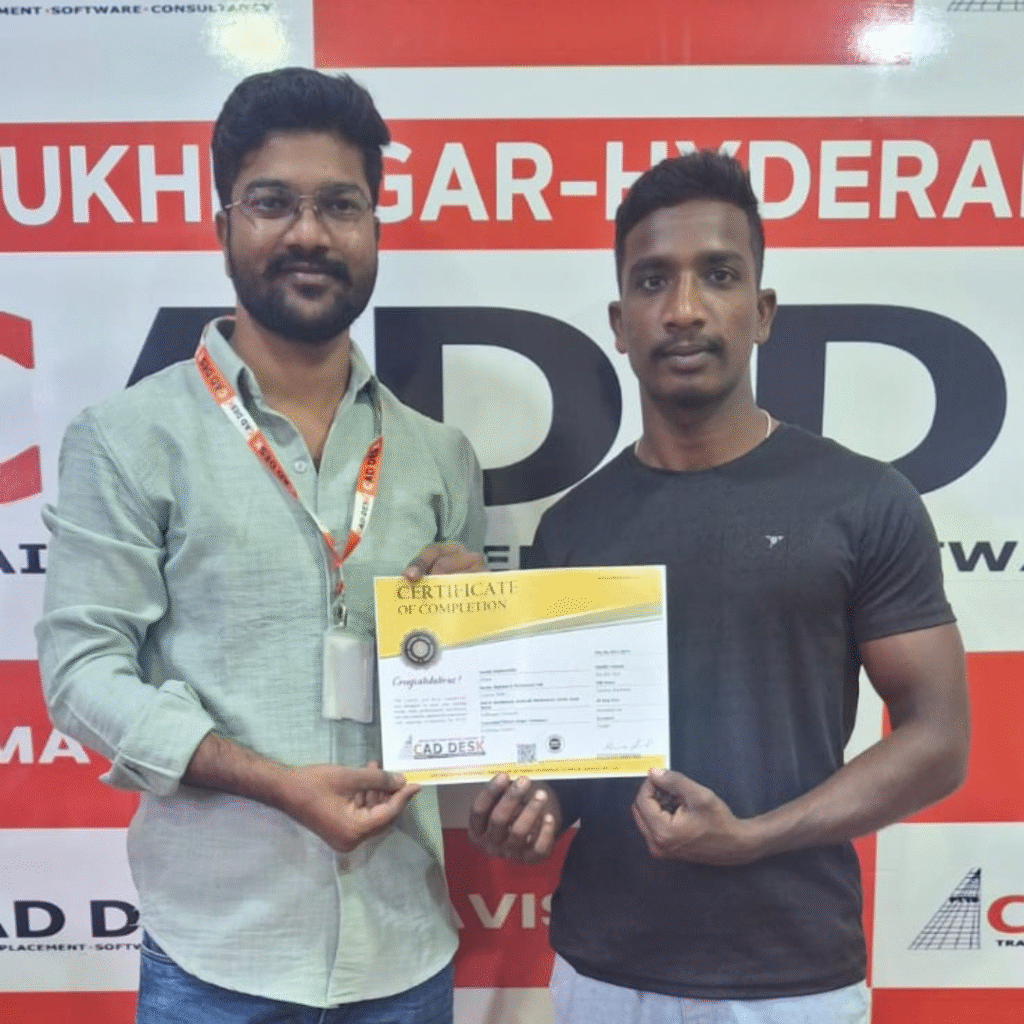
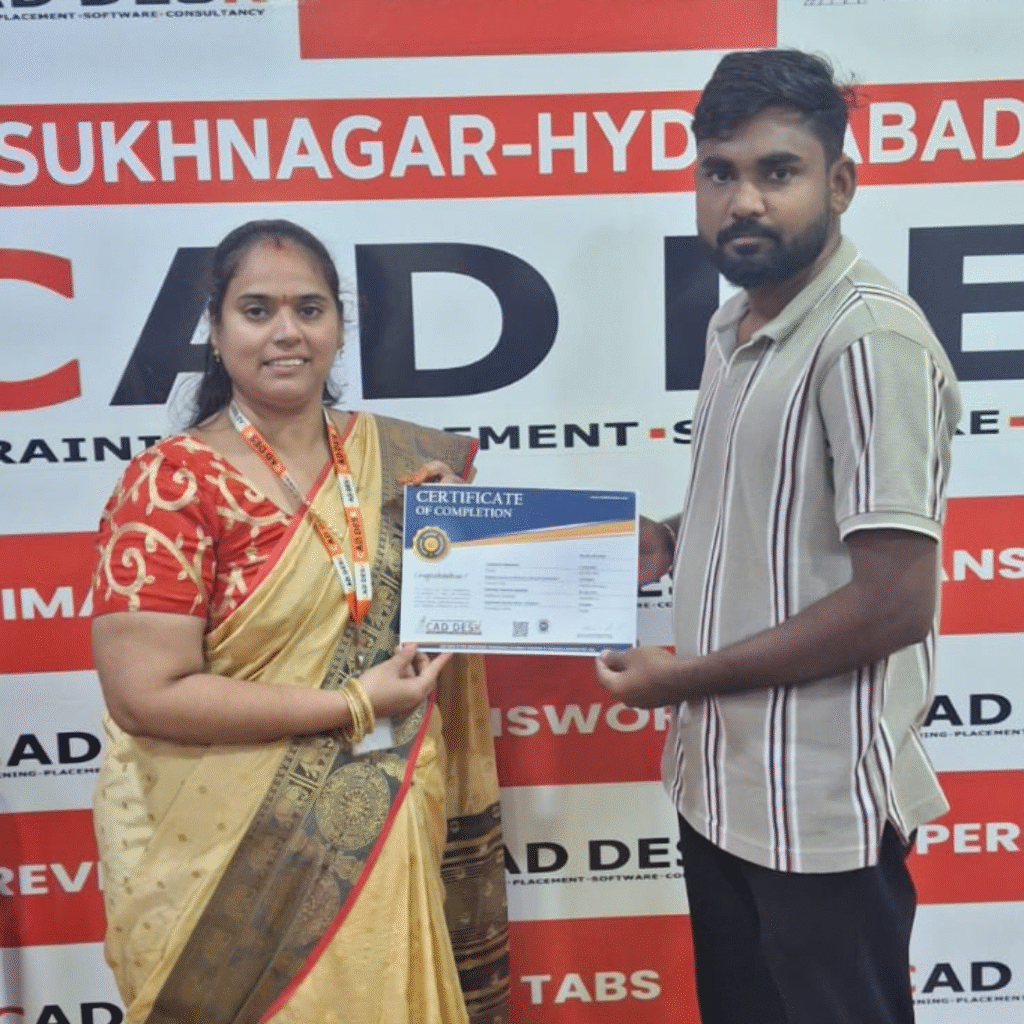
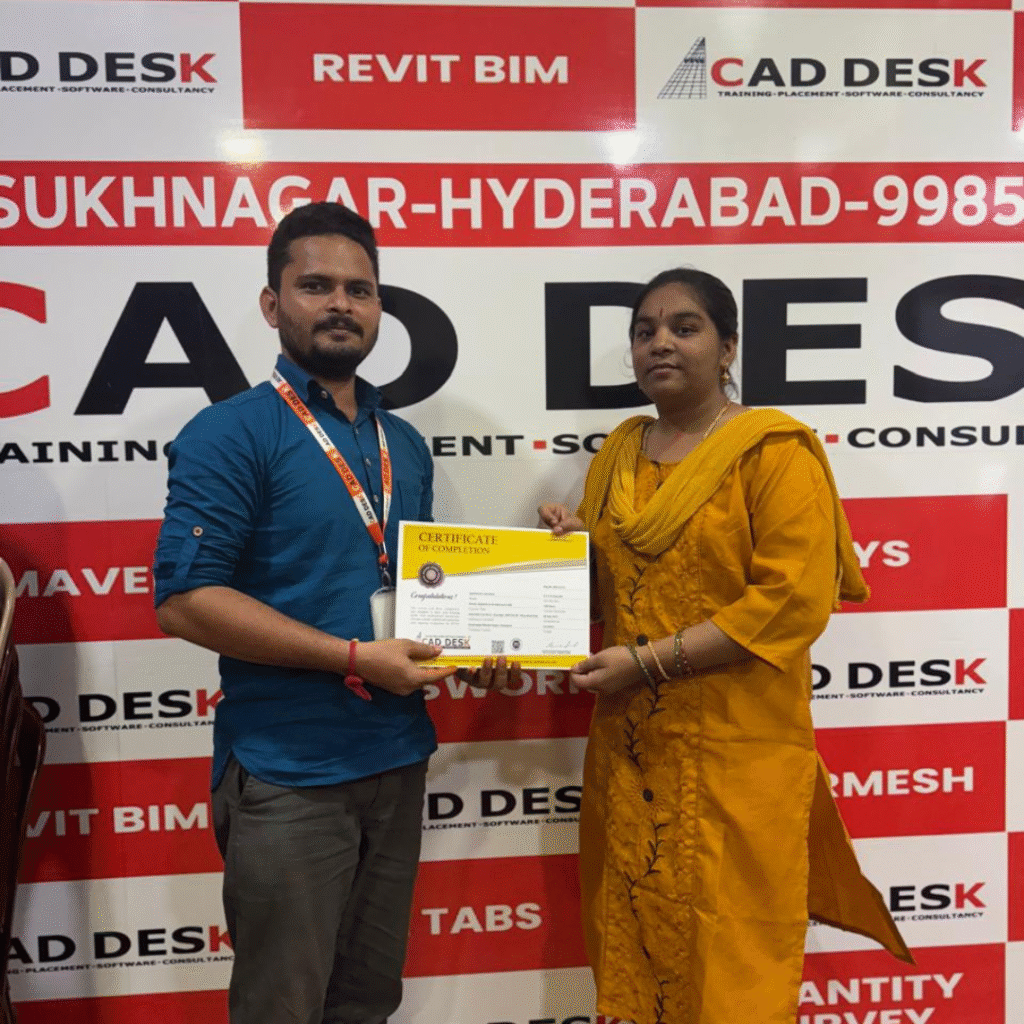
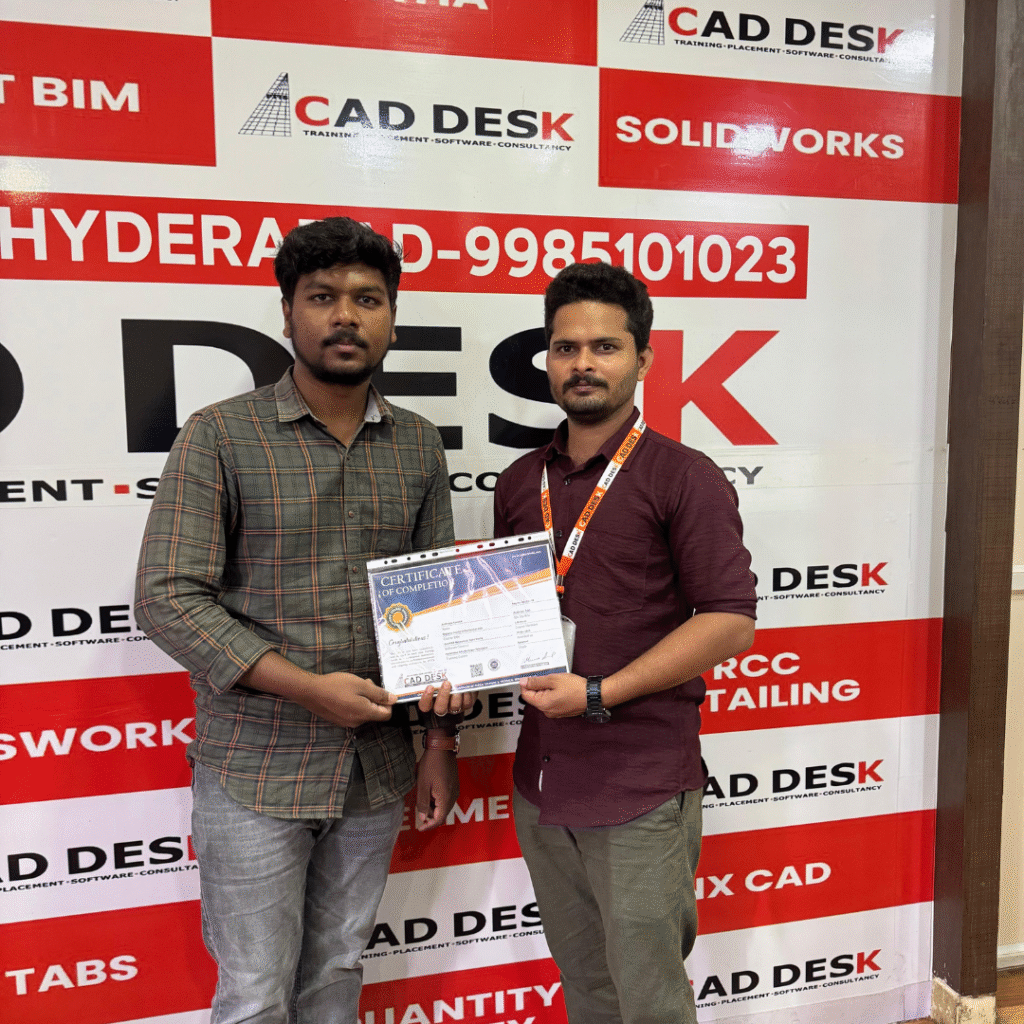
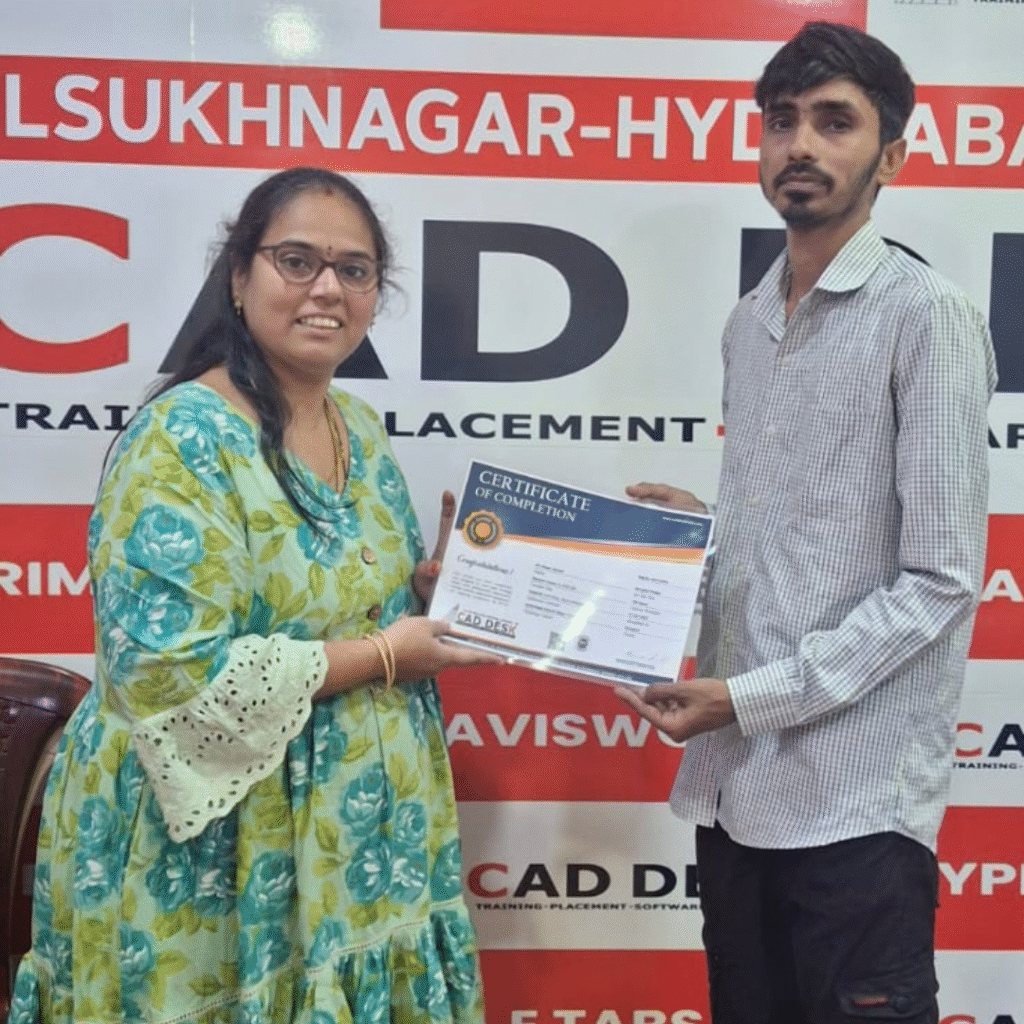
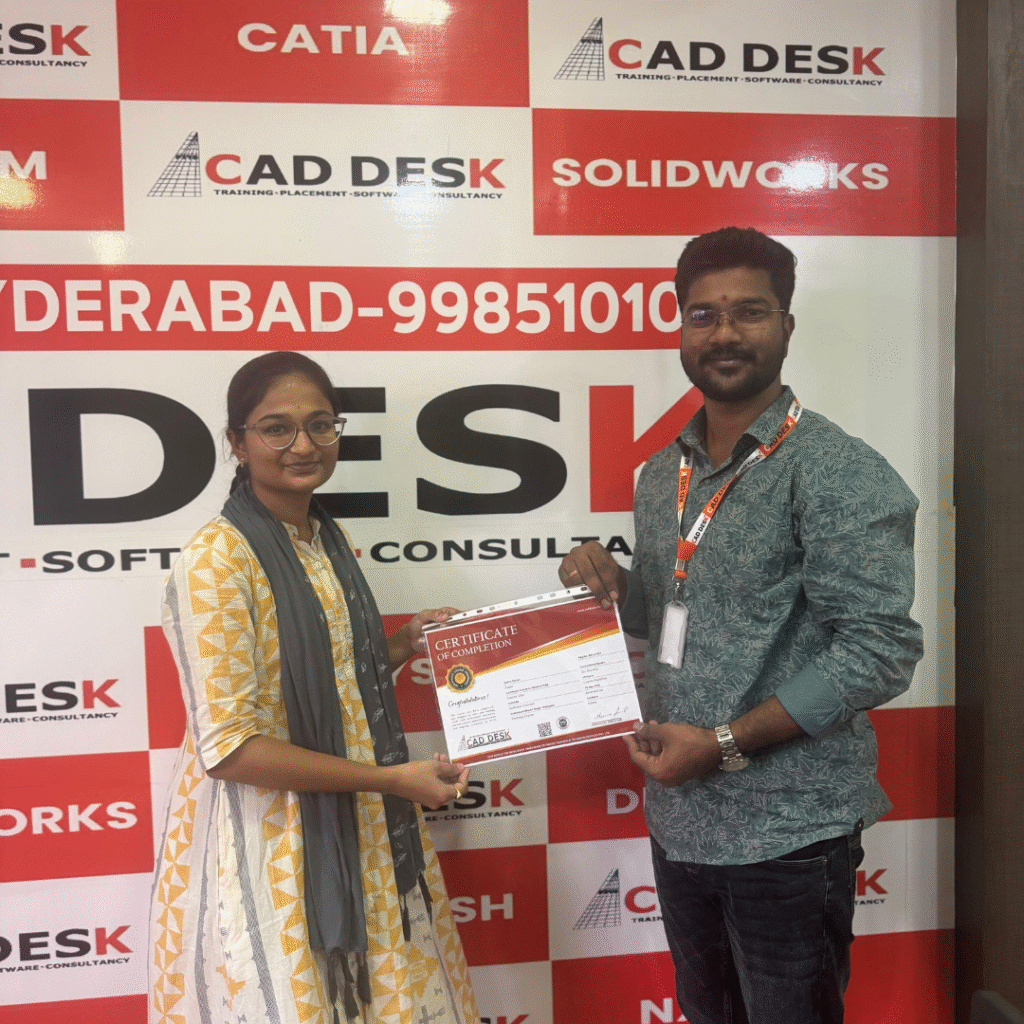
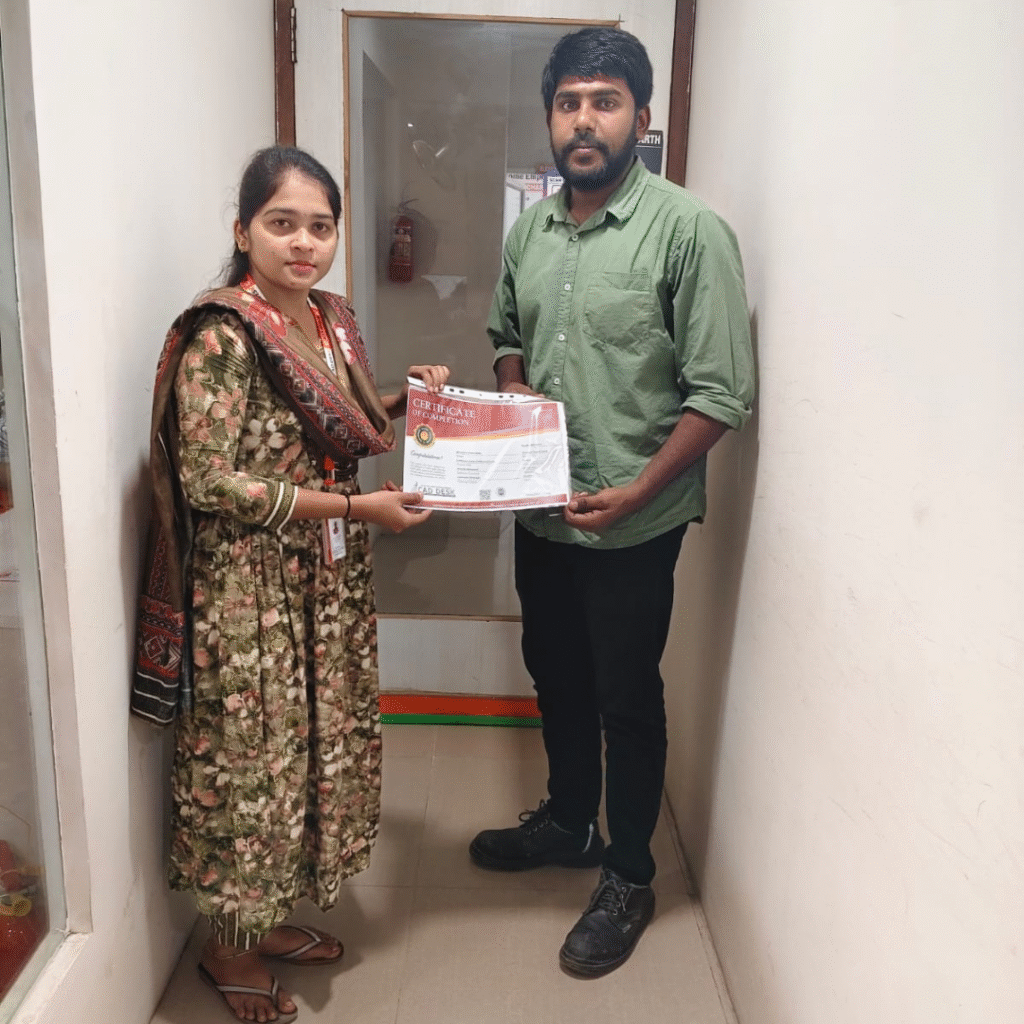
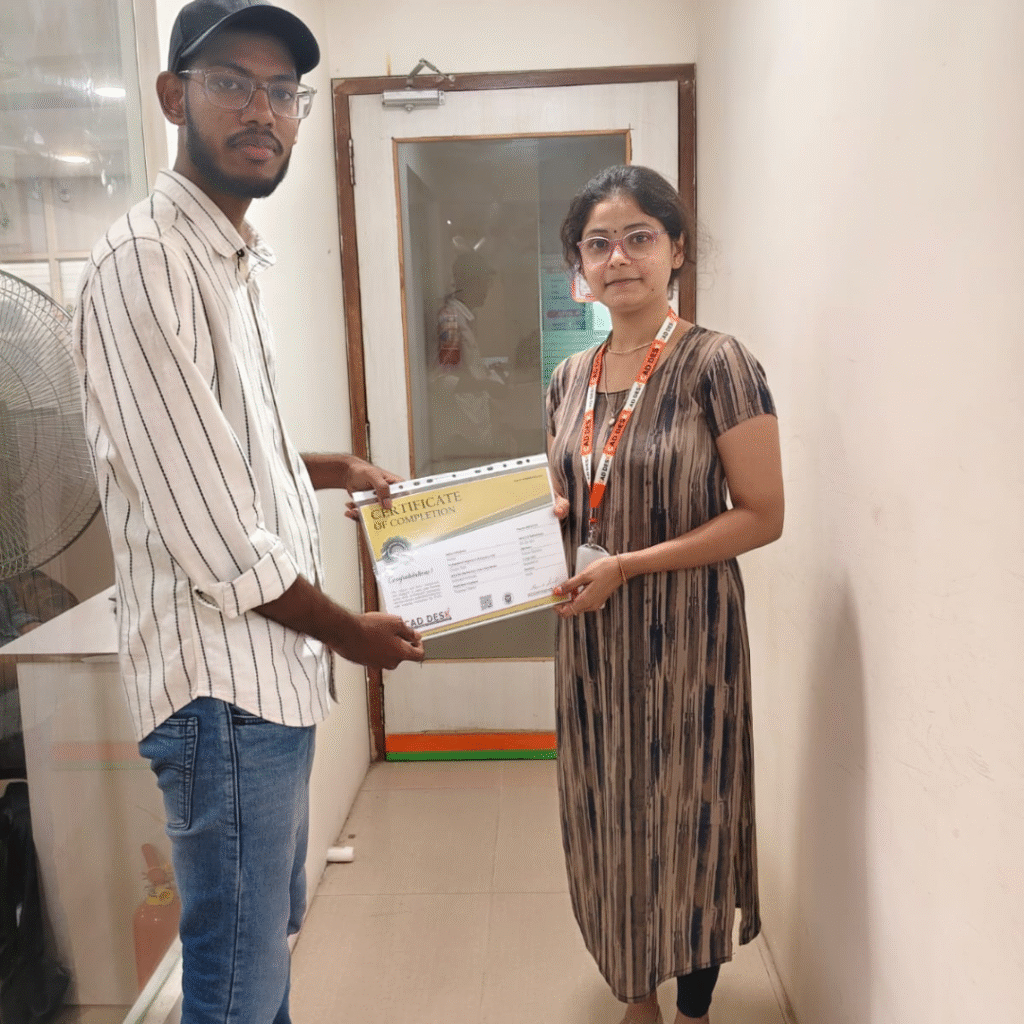
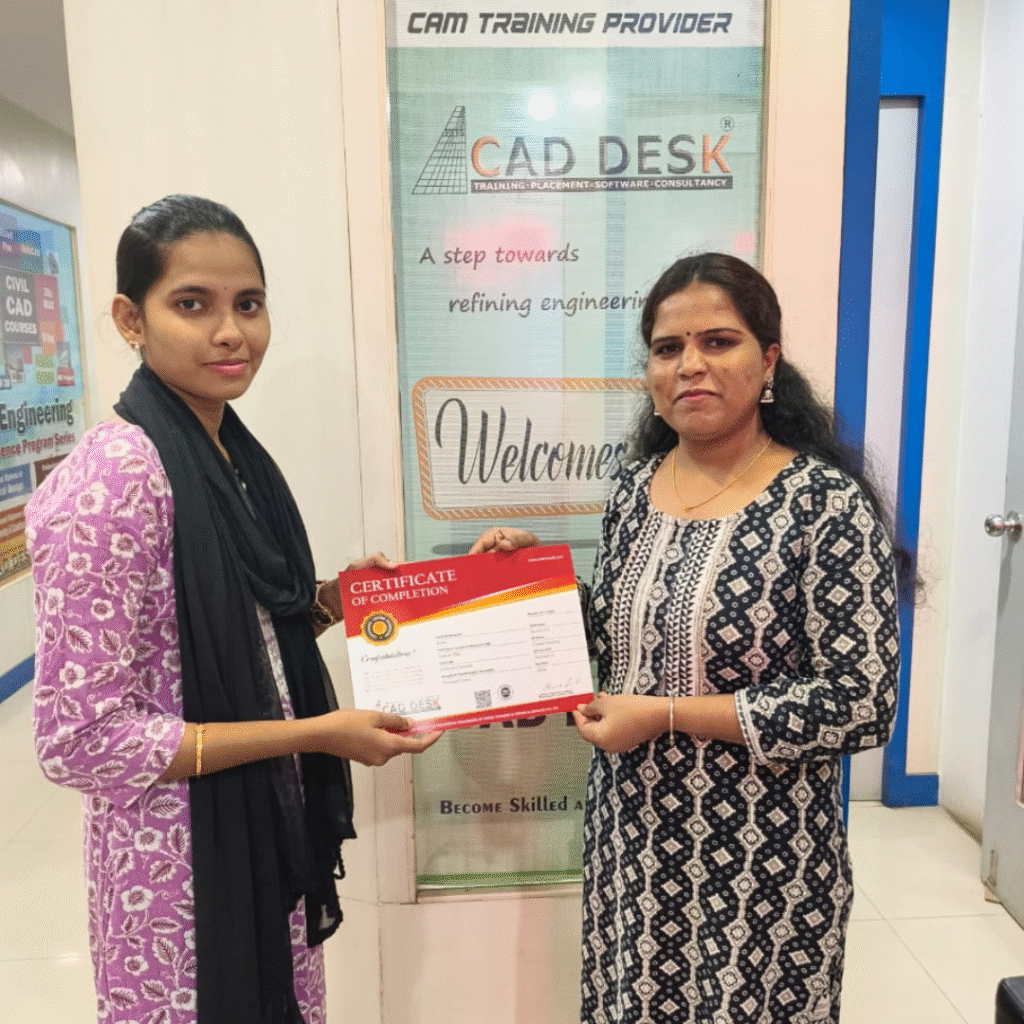
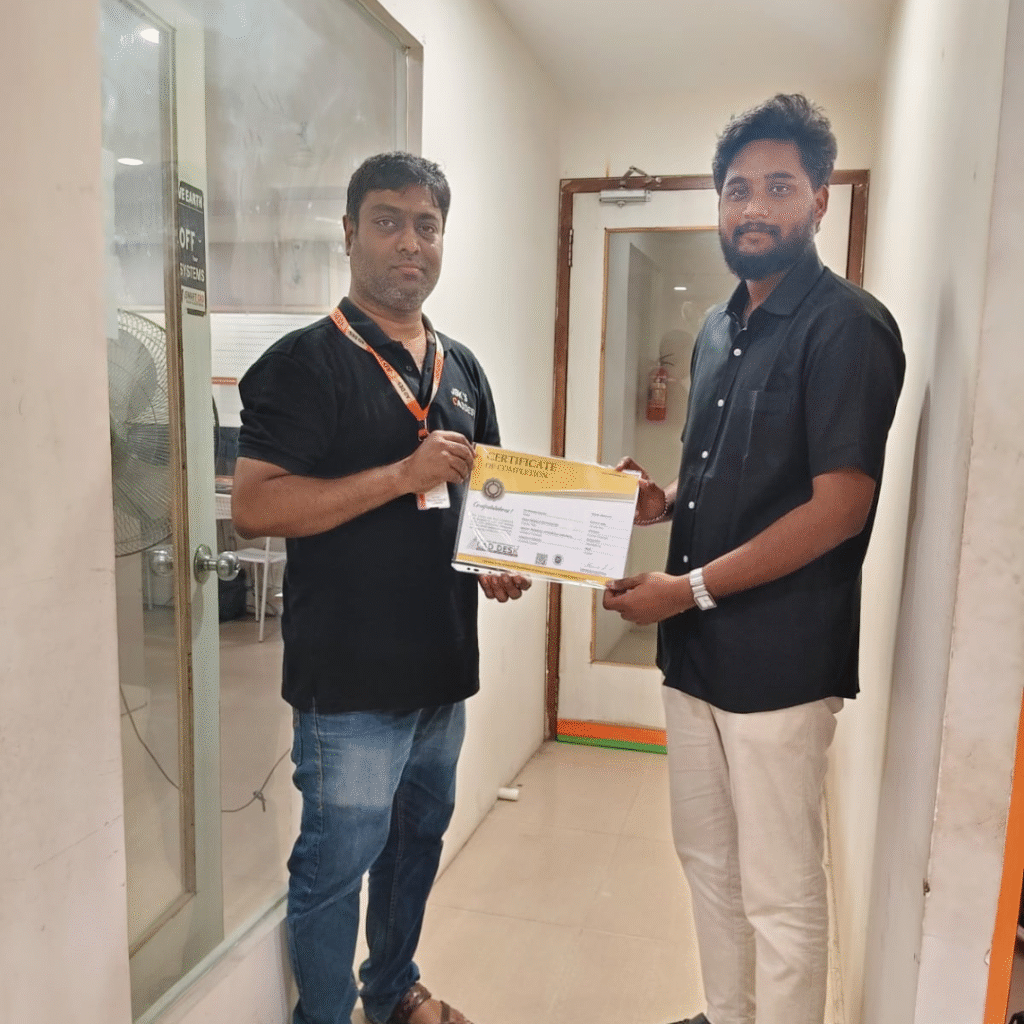
Start Your AutoCAD Journey Today

AutoCAD Course Content
Module 1: Introduction & Basic Setup
- Introduction to CAD Desk
- Overview of AutoCAD and its Interface (GUI)
- Understanding File Extensions and File Management
- Coordinate Systems: Absolute (ACS), Relative (RCS), and Polar (PCS)
Module 3: Drafting Settings
- Limits Setup, Snap (F9), Grid (F7), Ortho (F8)
- Polar Tracking (F10), Object Snap (F3), Tracking (F11)
- Dynamic Input (F12), Quick Properties, and Selection Cycling
Module 5: Isometric Drawings
- Concepts and Rules of Isometric Drawing
- Creation of Isometric Views
- Hatch and Gradient Patterns (Solid, Pattern, Gradient fills)
Module 7: Annotation & Dimensions
- Text Tools (Single-line, Multiline, Style Manager)
- Dimension Types (Linear, Aligned, Angular, Arc Length, Radius, Diameter, Ordinate)
- Continue, Baseline, Dim. Break, Dim. Spacing, Oblique Text
- Dimension Style Manager and Multi-leaders (Insert, Align, Edit)
Module 9: Project Work (2D)
- Residential Building Plan Based on Vaastu Principles
- Working with Raster Images, OLE Objects, Hyperlinks
- Using Express Tools (Auto Numbering, Arc Text, Super Hatch)
Module 11: 3D Design & Visualization
- 3D Workspace and Visual Styles
- Basic 3D Primitives (Box, Cylinder, Cone, Pyramid, Sphere, Wedge, Torus, Polysolid)
- Extrude, Revolve, Presspull, 3D Polyline
- Sweep, Loft, Union, Subtract, Intersect, 3D Mirror
- Gizmo Tools, 3D Array, Fillet/Chamfer Edge, Shell
Module 2: Drawing Tools
- Line Command (Ortho Mode, Polar Tracking, Dynamic Input)
- Circle (Center-Radius, 2P, 3P, Tan–Tan–Radius, Tan–Tan–Tan)
- Rectangle and Polygon
- Ellipse, Polyline, and Spline
- Arc Variants and Point Management (Divide, Measure, Donuts, Wipeout, Revision Cloud)
Module 4: Modify Tools
- Move, Copy, Stretch, Rotate
- Mirror, Scale, Trim, Extend
- Fillet, Chamfer, Erase, Explode, Offset, Lengthen, Align, Break, Join
- Array: Rectangular, Polar, and Path Arrays
Module 6: Staircase Design
- Unit Setup and Terminology
- Plan and Elevation of Staircase
- Construction Line and Ray Applications
Module 8: Tables & Blocks
- Creating and Modifying Tables
- Managing Object Properties (Color, Line Type, Transparency)
- Layer Creation & Control (Freeze, Lock, Isolate, Match)
- Blocks (Create, Insert, Write Block, Block Editor)
- Attributes (Define, Edit, Manage)
Module 10: Plotting & Layouts
- Plot Settings and Publishing Options
- Layout and Template Creation
- Import/Export Workspaces
- Practice and Doubt Sessions
Module 12: Rendering & Final Project
- Material Browser and Light Settings
- Render Settings and Final Rendering
- Complete Architectural Project Integration
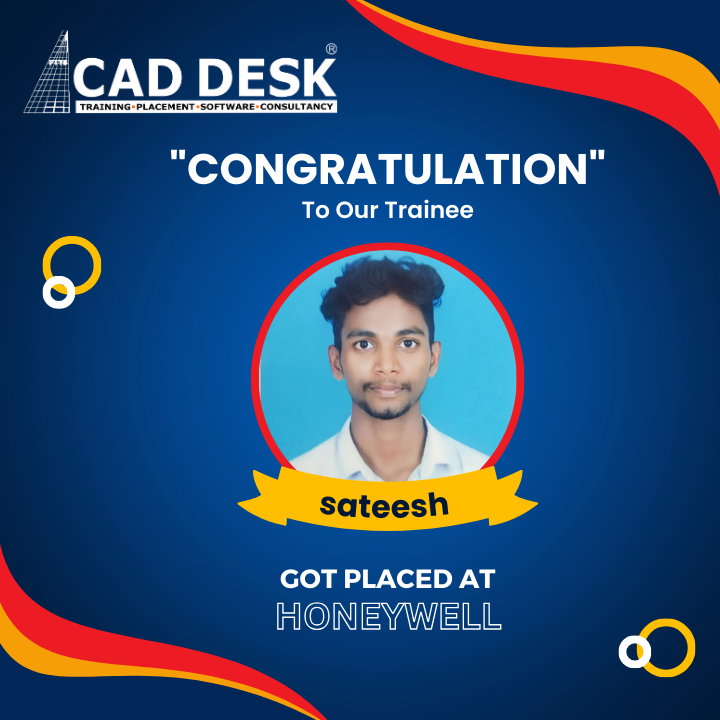
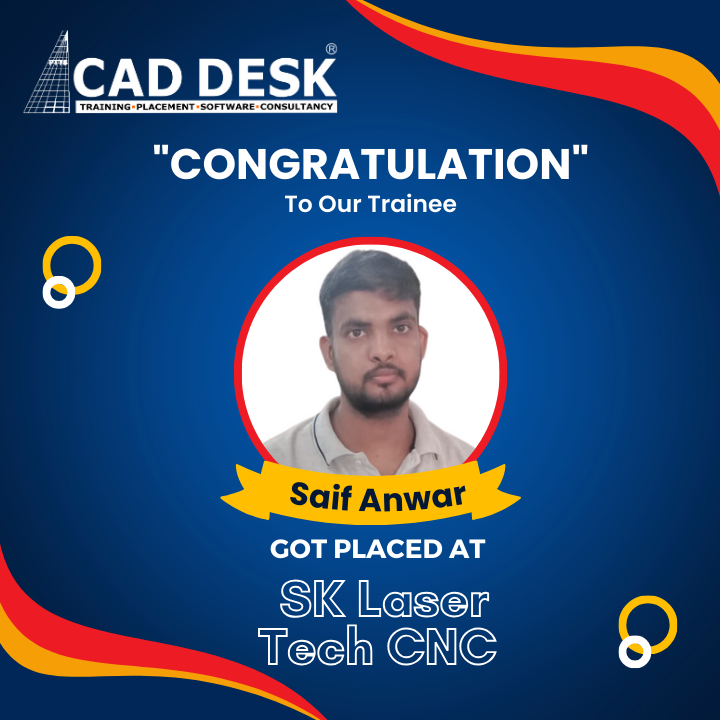
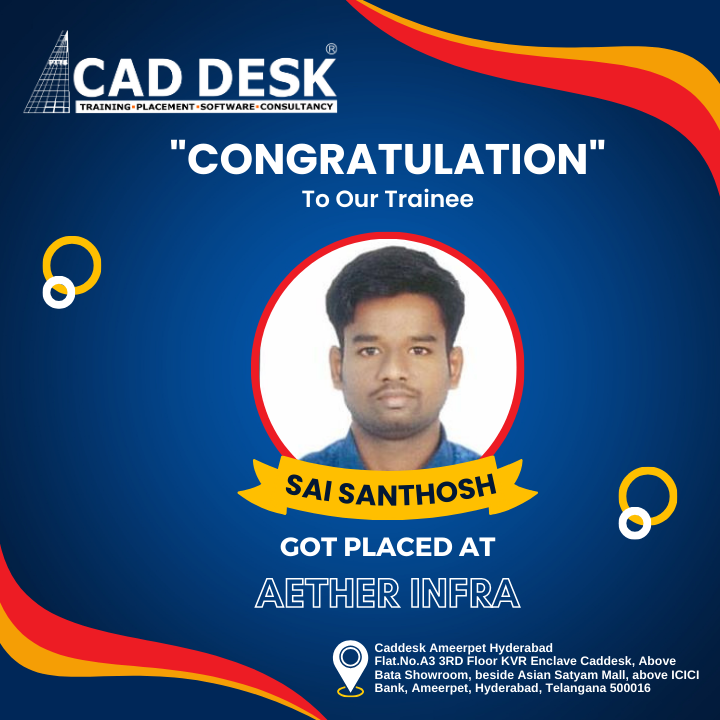
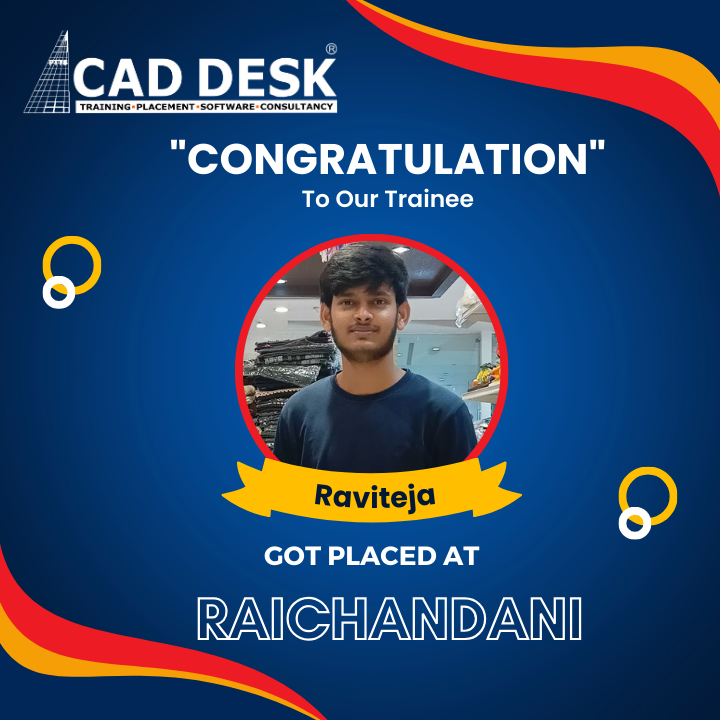
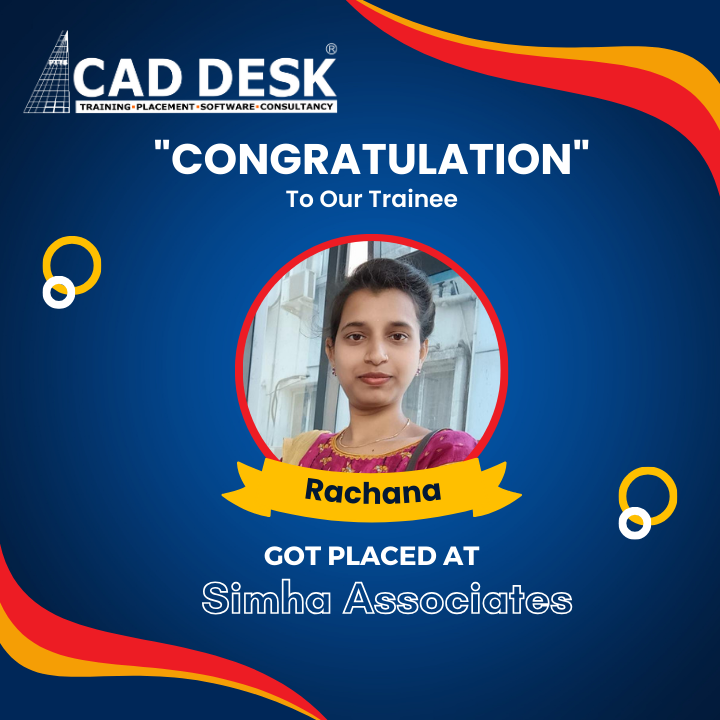
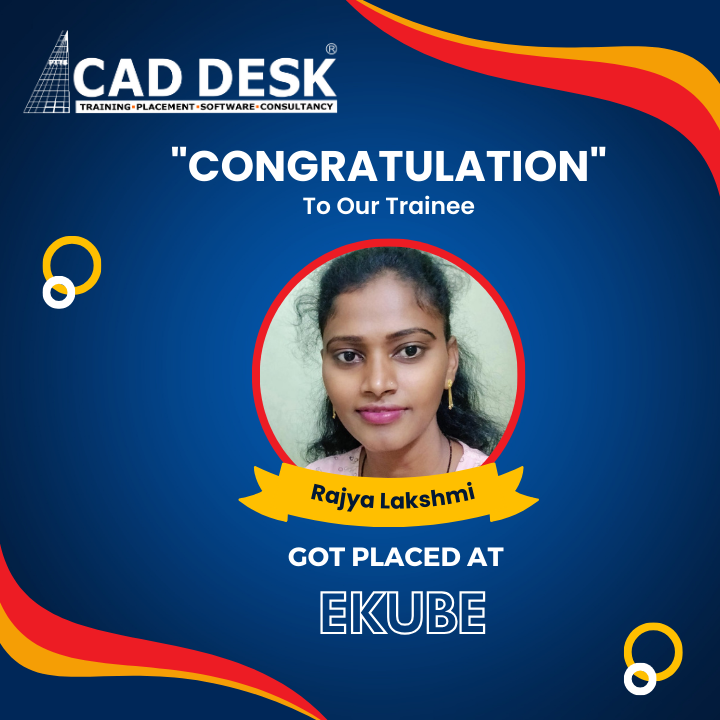
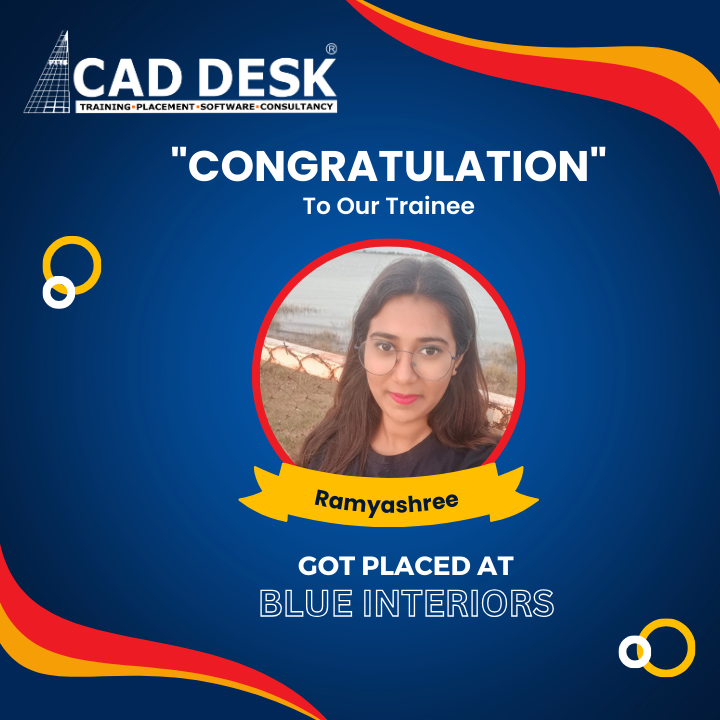
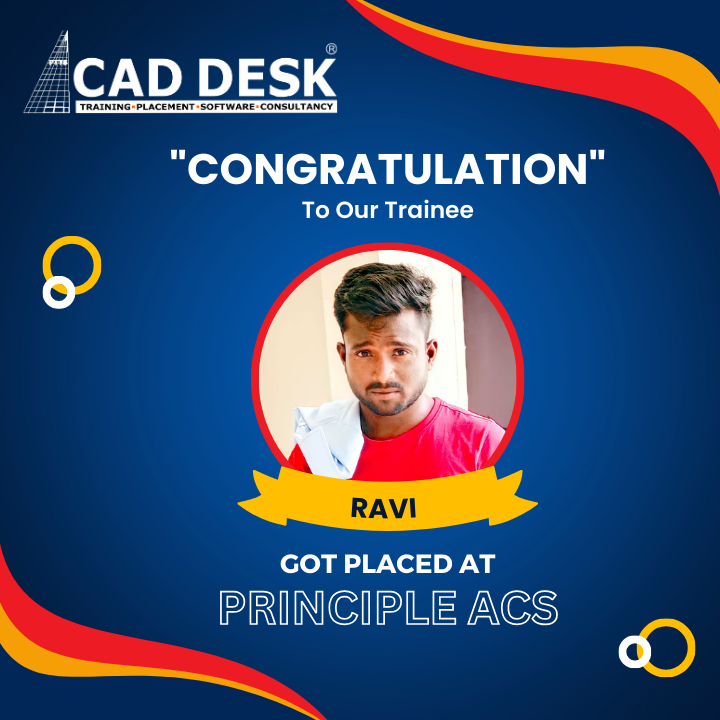
Career Transformations at - Caddesk Dilsukhnagar
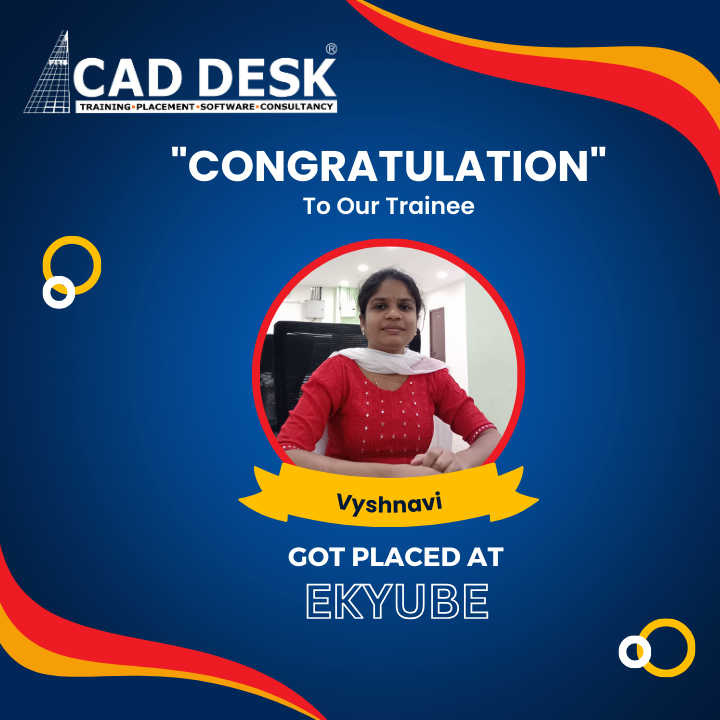

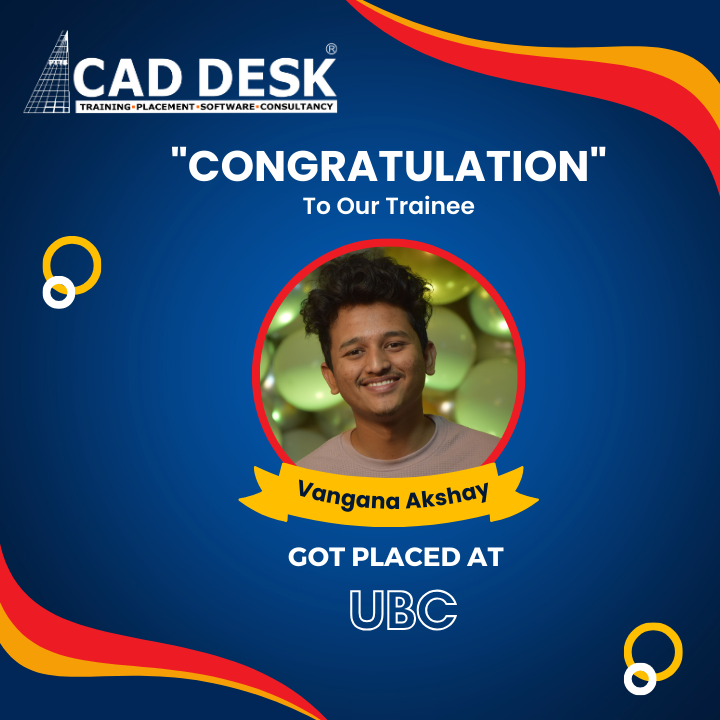
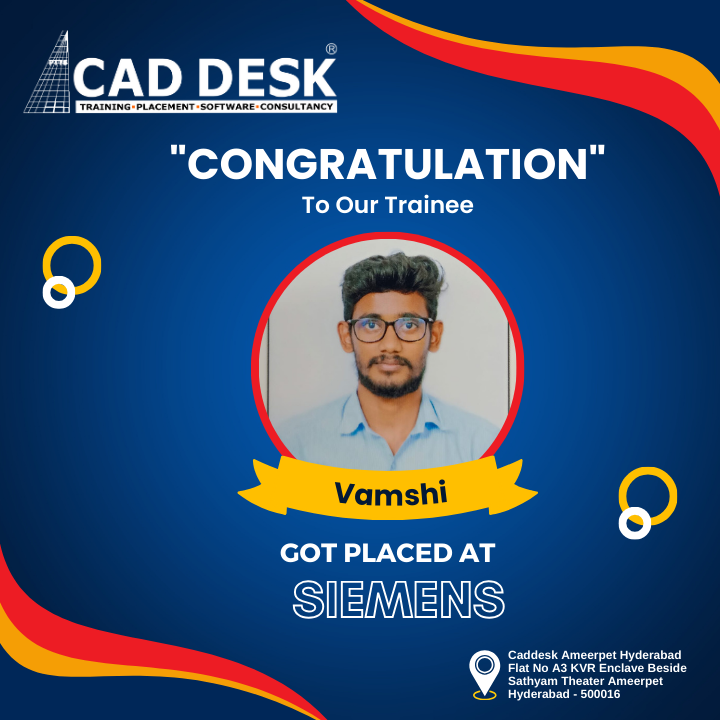
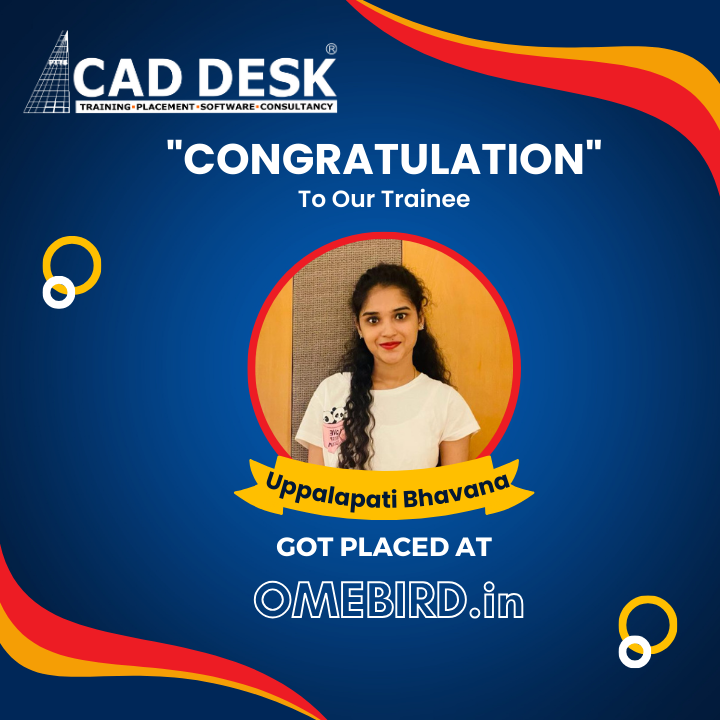

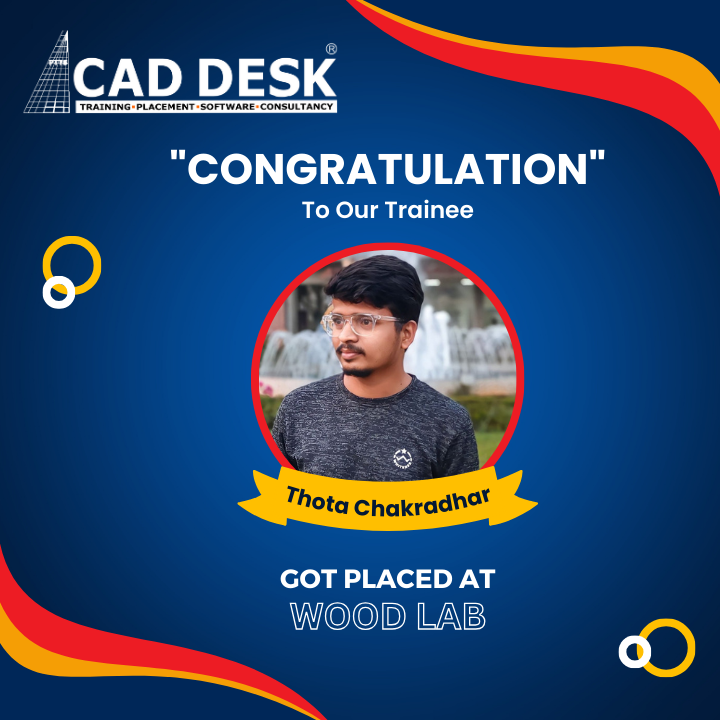
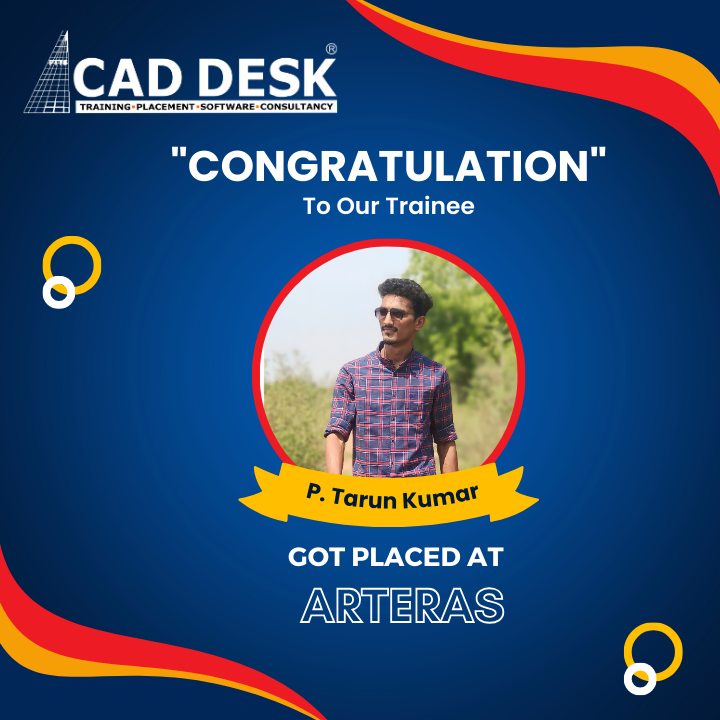



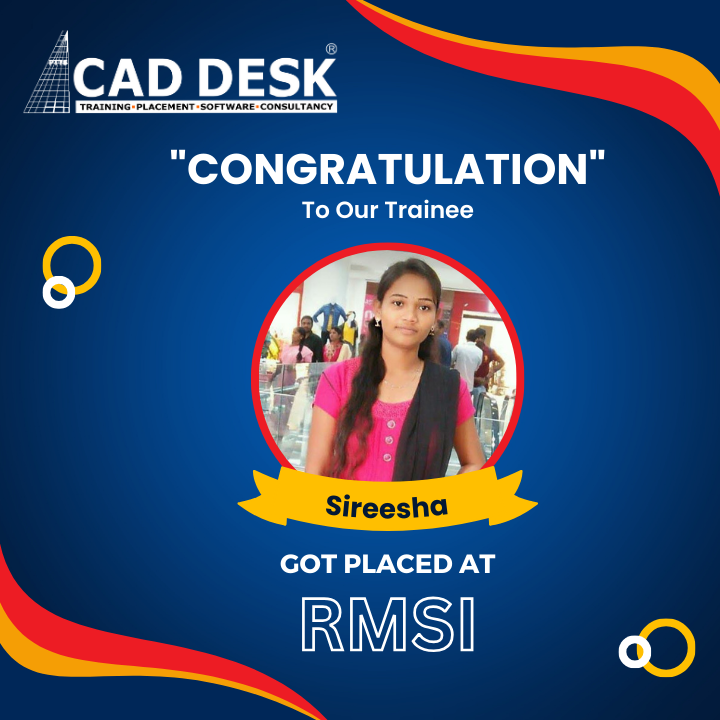

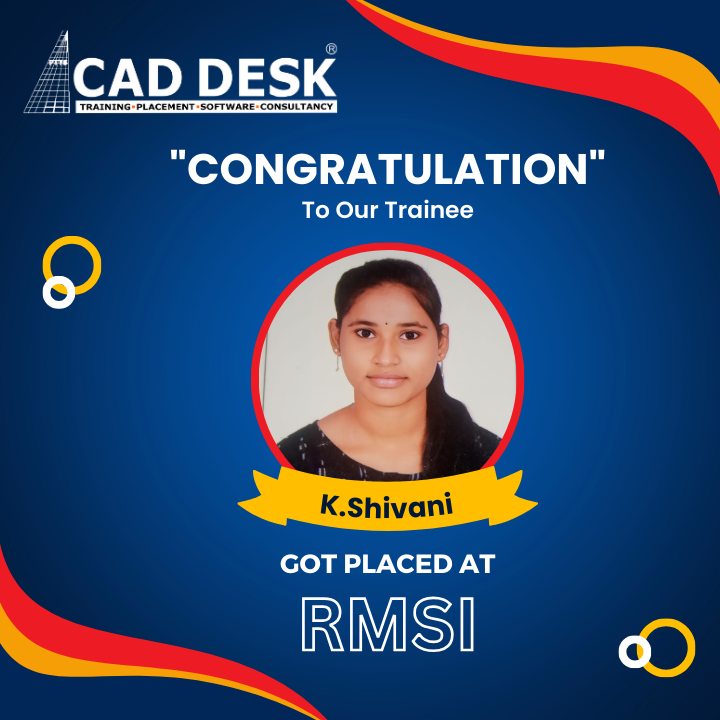








Students Testimonials On Caddesk Dilsukhnagar
I took the SolidWorks course here. The course was really informative and interactive. I got to know about current industry requirements as well. The SolidWorks instructor, Mr Shinde, was really helpful and he mentored me throughout the course. They also have placement assistance. Would definitely recommend 👌.
Customers
Sooperb Institute with high valued training and guidance from the faculties also given with clear explanations and taking care of the students is also very nice by providing 100%JOB PLACEMENTS ASSISTANCE... so many of my friends are recruited using the assistance...
Customers
I have taken staad , etabs and auto cadd in this institute the teaching faculty is excellent and the environment is also good all the students are put their efforts to gain knowledge and develop their skills in my point of view this institute is good for freshers
Customers
I am Shubham and I took coaching from caddesk dsnr branch institute regarding architecture courses. There way of teaching is very excellent and I felt very happy for joining there institute. They also clarified every single doubt without hesitating. Sir is very patient and friendly and teaching is also good.
Customers
Cadd desk is best training institute to me. here faculty was very perticular and punctual about subject ,and great expertise and lab training also ,they teach until all doubts cleared and giving a notes dictation and lab practical so we have learn easily. Good and friendly faculty
Customers
Cadd desk is best training institute to me. here faculty was very perticular and punctual about subject ,and lab training also ,they teach once in class and giving a notes dictation and lab practical so we have learn easily .so definitely i have recommend to others, all the best to everyone to chose cadddeak😊
Connect with us
Caddesk Dilsukhnagar is the best AutoCAD training institute in Hyderabad, offering expert trainers, real-time projects, and 100% placement support. Enroll today and start your design career!
Kumalil AghaCustomers